
Uizard Is Worth It Only If You've Never Opened Figma
Uizard review for PMs who never opened Figma: Autodesigner 2.0 starts on Pro at $12/mo billed annually. Fast, generic mockups. Skip it if you design in Figma.
Updated 11 min read

Uizard review for PMs who never opened Figma: Autodesigner 2.0 starts on Pro at $12/mo billed annually. Fast, generic mockups. Skip it if you design in Figma.
Uizard is worth the Pro seat if you have never opened Figma and you need a clickable mockup before the next standup. Skip it if you already ship from a component library.
Autodesigner 2.0 runs on Pro at $12/mo billed annually. The Free plan still runs Autodesigner 1.5, with 3 generations a month.
Uizard is an AI canvas that turns a text prompt, a UI screenshot, or a photo of a sketch into an editable mockup. The happy path is a PM, founder, or marketer who currently mocks in PowerPoint.
Speed is the strength. Generic components, a 300-character prompt cap, and no native path back to Figma are the costs.
Uizard is a browser-based product-design canvas aimed at people who do not want a Figma seat. The three named inputs are Autodesigner (text to UI), Screenshot Scanner, and Wireframe Scanner.
Tony Beltramelli's pix2code research in 2017 became Uizard in Copenhagen in 2018. The company raised $15M from Insight Partners in August 2021, part of $18.6M total.
Uizard announced it was joining Miro on 27 May 2024. The product is still sold standalone at uizard.io, branded Uizard by Miro Labs.
Beltramelli told Indie Hackers in January 2025 that Uizard was doing about $3.5M ARR at the deal, and that he is now Head of Product for AI at Miro. That figure is founder-stated, not a filing.
The acquisition post talked up deeper integrations with Miro's platform. On 25 November 2026, the newest post on the Uizard blog is still the 12 June 2024 Autodesigner 2.0 launch, and the site footer still reads 2024.
The homepage description still makes the pitch: if you can use Google Slides or PowerPoint, you can use Uizard. That bar is right for a first mock. It is oversold if you expect production UI.
Beltramelli said the same thing before the Miro deal. In the 2021 Series A interview, the team thought designers and developers were the buyer. Most recurrent active users turned out to be startup founders, product managers, consultants, business analysts, engineers, marketing teams, and UX professionals.
The site's solutions menu still names product managers, designers, marketers, business analysts, startup founders, consultants and agencies, developers, and enterprise. The user who stays does not know what auto layout is. They need to show a stakeholder what an idea looks like.
If you already design in Figma, Uizard is the wrong tab. Free and Pro work from Uizard's own component library. A custom brand kit starts on Business, and design system setup is an Enterprise item.
External-facing investor or customer decks still need a designer to rebuild the screens. Uizard's job is the meeting before that rebuild.
Beltramelli put the split in a 2024 Jam interview:
"Figma is great but it's really hard to use unless you are a designer. … We built something for the entire team to get together before spending time in Figma."
Tony Beltramelli in the Jam interview (0:53, 2024).
Uizard is the pre-Figma room.
Autodesigner 2.0 is still the current engine. On 25 November 2026 the product menu still badges it NEW, and the pricing page still opens with an "Autodesigner 2.0 is here" banner.
Free accounts get Autodesigner 1.5. Pro, Business, and Enterprise get 2.0. The Free plan is a demo of the worse engine.
2.0 launched on 12 June 2024, two weeks after the Miro acquisition post. Beltramelli posted the launch thread the same day.
Today we launched Autodesigner 2.0 — our most advanced design AI engine yet! What can it do? Time for a 🧵 https://t.co/OdJ5fa4cNG
The launch post lists what 2.0 adds: prompt edits on a selected group of components, single-screen generation, multi-screen interactive prototypes with alternative proposals, themes, updated scanners, and AI design review.
Every tier shares a 300-character prompt cap. Complex B2B briefs get cut mid-sentence. The same help article is blunt about control: Autodesigner usually will not follow strict guidelines on screen count, flows, or placement.
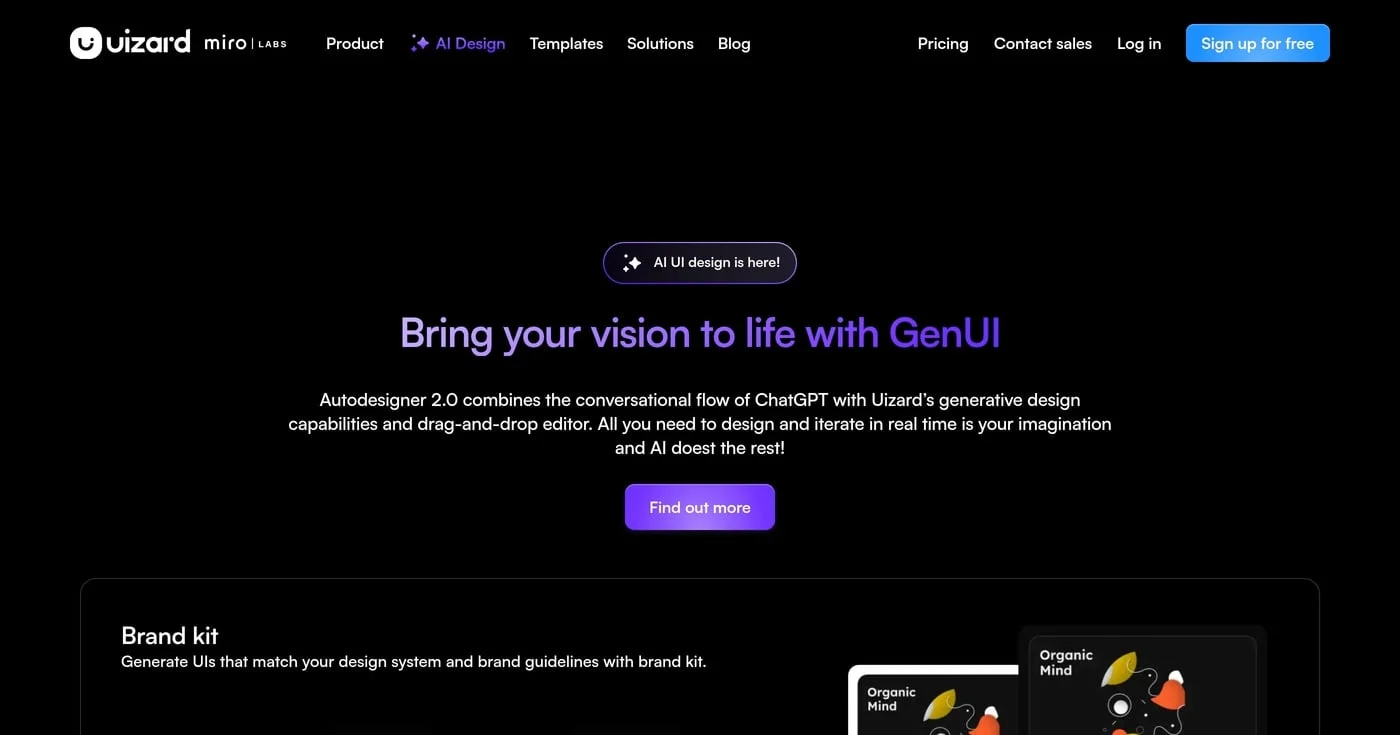
Output is fast and generic. Good enough to align a room, not good enough to ship.
Jesse Showalter's 2023 walkthrough is still the clearest designer verdict:
"You're not going to be able to ship these designs. They're not ready for that. They're just too rudimentary. They're too rough around the edges."
Jesse Showalter in the Autodesigner walkthrough (7:00, 2023).
On Reddit the same complaint is older than Autodesigner 2.0 and still shows up after it. A 2025 follow-up is harsher on the editor:
"Got very frustrated with uizard. Its a bad manual editor with lacking of functionality. AI features cant do anything but generating random 3-5 page landing site with some major info and contact form from your text prompt that is limited to 3 sentences."
u/kalcifer_flame in r/UXDesign (April 2025).
That commenter's exit is the pattern to plan for: they moved to Figma and did the work by hand rather than keep fixing the generate inside Uizard.
Use Autodesigner to get a room nodding. Rebuild in Figma (or skip Uizard and start in Figma Make if the team already pays for Figma).
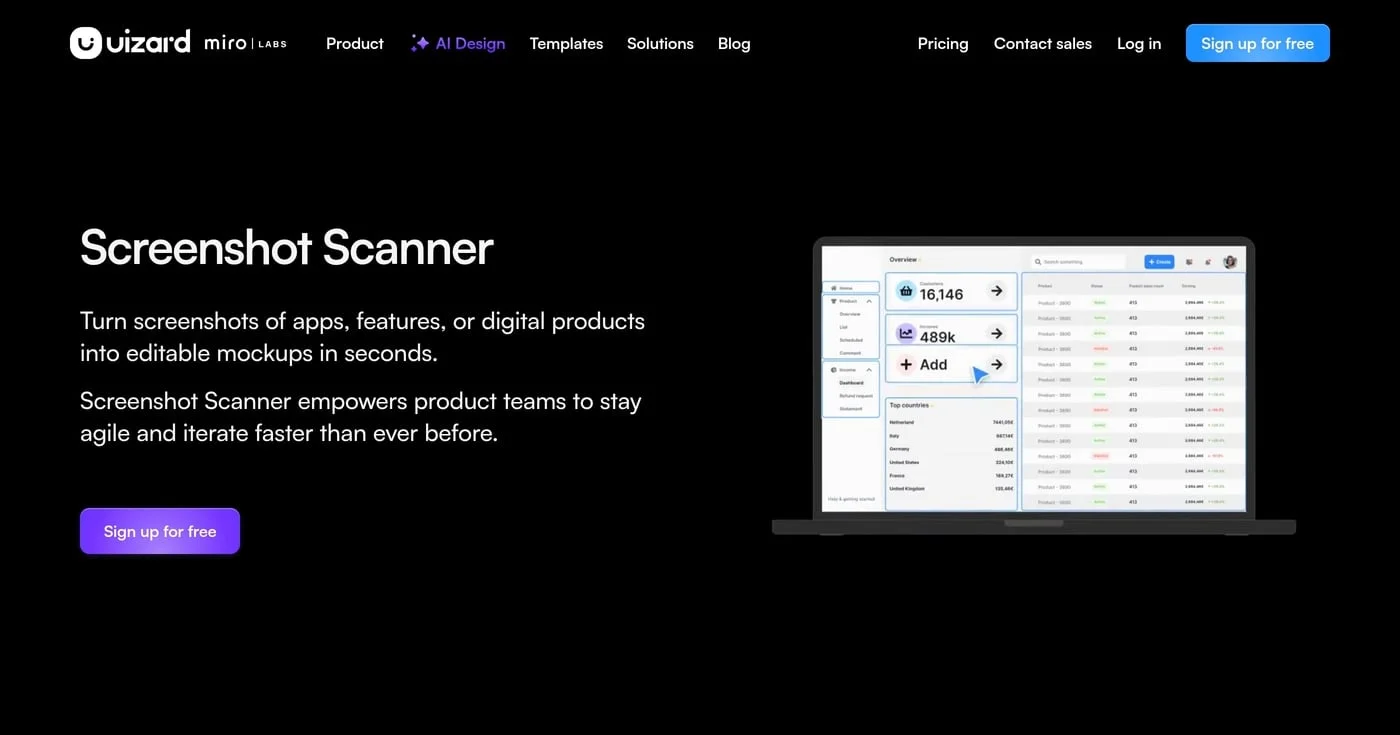
A screenshot of a live app becomes an editable Uizard mockup. Official copy never claims pixel-perfect reconstruction.
Screenshot Scanner is what people mean by "Can Uizard edit screenshots?" It is not a Canva-style image editor. Budget time to correct layout, type, and spacing.
Wireframe Scanner takes a photo of a paper or whiteboard wireframe sketch and returns an editable mockup. That is the pix2code lineage from 2017.
Wireframe Scanner is still the most useful Uizard input for a discovery sprint. A photo of a sketch cannot be mistaken for a shippable UI the way a hi-fi Autodesigner screen can.
Three inputs, one canvas: a text prompt, a screenshot, a sketch photo, plus an inbound Figma plugin.
Onboarding is the part Uizard actually wins. Uizard's homepage promises multi-screen, editable prototypes in seconds from simple text, and a new account can click through that flow without learning auto layout, constraints, or components. That is the PowerPoint test, and Uizard passes it.
The catch sits one click later. When a generate needs fixing, you do it in a thinner editor than the one you were trying to avoid.
Elizabeth Alli framed the intended use in 2023, and it has not moved:
"Right now Uizard is really aimed at more of the ideation process, democratizing design, giving access to more people in product, in marketing, in development and other areas to create something tangible fast."
Elizabeth Alli in the DesignerUp review (8:00, 2023).
Getting started takes one sitting. Sign up, stay under 300 characters, generate, click through, export PNG or SVG.
Skip the design-system course. If the first generate is wrong, the cheap move is a new generate on Pro (500/month), not a fight with the editor.
Uizard and Figma Make solve adjacent jobs. Confusing them is how teams buy a second seat they will abandon.
Uizard gets a non-designer from idea to an editable mockup in minutes. You do not learn auto layout first. Prototypes click.
Design-system setup is an Enterprise item. React and CSS handoff exists on Pro and above.
Figma is production UI, components, and Dev Mode. Figma Make is prompt-to-UI, and Make kits let it use variables and styles from your published libraries.
If the team already pays for Figma, Uizard is a second subscription for a job Figma Make now claims. Run tomorrow's brief through Make before opening a blank Uizard canvas.
Uizard's own comparison post still argues Figma is for expert designers and Uizard is for everyone else. That argument is about Figma the canvas. It predates Figma Make, so it is the wrong frame for a 2027 tool budget.
Check the way out before you buy. The official Figma plugin exports Figma designs to Uizard. Direction is inbound.
The plugin's own notes list what does not carry over, including gradients, multiple fills, most effects, rich text formatting, and FigJam elements. There is no first-party Uizard-to-Figma exporter.
The way out is an export as JPG, PNG, SVG, or PDF, plus per-component CSS and React code on Pro and above.
The Figma forum thread from April 2023 is still the user question: a finished Uizard prototype, and no one wants to start over. Plan for that before you start: if the next artifact has to be a Figma file, the rebuild starts from an SVG or a blank Figma page.
Live Uizard pricing as of 25 November 2026:
Plan | Price | Key Features | Best For |
|---|---|---|---|
Free | $0 | Autodesigner 1.5, 3 gens/mo, 2 projects | Hobby tests, not real work |
Pro | $12/mo (billed annually) | Autodesigner 2.0, 500 gens/mo, up to 100 projects, React/CSS handoff | The plan to actually use |
Business | $39/mo (annual only) | 5,000 gens/mo, custom brand kit, unlimited projects | Small teams sharing a kit |
Enterprise | Custom | Unlimited gens, design-system setup | 15+ seats |
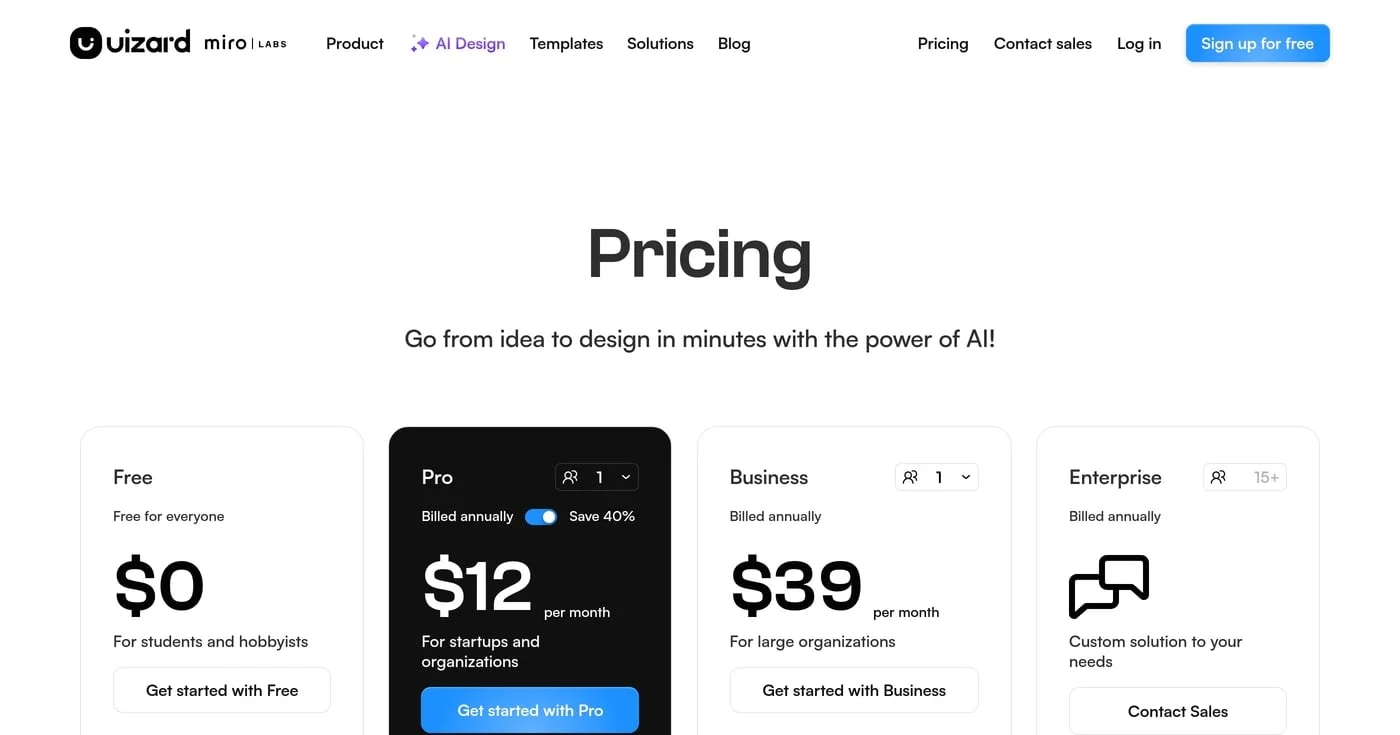
Pro is $19/mo if you pay monthly. Business is annual only.
Three creators on Pro cost $432/year. Three on Business cost $1,404/year.
Free includes 2 projects (up to 5 screens each), 10 templates, 1x-resolution export, and 400 components per organization. Help-center copy still lists 2 Autodesigner generations on Free. The pricing page wins: 3.
The trap is the Free engine, not the Pro sticker.
If the generate has to be good, you are on Pro. Match a library and the $12 is wasted; that work lives in Figma.
Uizard is ideal for:
Uizard is NOT ideal for:
Balsamiq, which sells a low-fidelity wireframing tool, made the same point on LinkedIn in April 2026. Generation got cheap. Agreement did not.
"AI can generate 50 screens from a one-line prompt. But it can't tell you which one your team will actually build toward."
Balsamiq on LinkedIn (April 2026).
That is the ceiling. Uizard makes the screens. It does not make the decision.
Split the alternatives by job, not by a ranked list. For the wider AI for designers workflow, treat Uizard as scaffolding, not as the production layer.
If Uizard is not the right fit:
Uizard vs v0 is a category error. v0, Lovable, and Bolt emit apps. Uizard emits mocks.
Galileo AI, the prompt-to-UI startup, is no longer a separate pick: its co-founder announced on 20 May 2025 that Google had acquired it.
Pay for Pro if you mock in slides and you need a click-through by Friday. Stay on Free only long enough to see that 1.5 is not 2.0. If the next artifact has to be a Figma component, skip Uizard and start where the library already lives.
A hands-on Hostinger AI Builder test: one Figma frame became a published, mobile-ready portfolio, with timings, screenshots and the fixes it needed.
Sell UI kits and design templates with Hostinger Ecommerce: set up the store, fix four risky defaults, connect payments and publish a digital product page.

Google Stitch is free with a daily credit limit that resets at midnight UTC. What credits buy, how limits changed, and how it compares to paid tools.

