
The Designer's AI Playbook: Which Tasks to Delegate, Which to Own
A 2026 guide for working designers: 8 workflow stages where AI delivers, which creative work to protect, and the 7 skills that earn you a 56% pay premium.
Updated 13 min read

A 2026 guide for working designers: 8 workflow stages where AI delivers, which creative work to protect, and the 7 skills that earn you a 56% pay premium.
Using AI as a designer in 2026 means knowing which 60% of the workflow you can hand off and which 40% defines your competitive value. 78% of professionals say AI speeds up their workflows, but only 58% say it improves quality. That gap is the signal that separates productive adoption from expensive over-reliance.
Workers with AI design skills now earn a 56% salary premium over peers without them. "Design skills" ranks as the #1 in-demand capability in AI job postings, ahead of coding and cloud, per PwC's AI Jobs Barometer. The AI-powered design tools market was valued at $8.4 billion in 2025 and is projected to reach $41 billion by 2034.
This guide covers the full workflow: which prompts produce useful output, how to build model-aware prototypes, and which judgment work to keep fully human. It's written for working designers who already use Figma, not for beginners looking for a definition of ChatGPT.
86% of global creators report using generative AI in their work as of 2025, and 85% of designers and developers say learning to work with AI will be essential to their future success. The question in 2026 is not whether to use AI but where the productive ceiling sits.
AI excels at the predictable, pattern-driven parts of design work: synthesizing research data, generating layout variations, writing accessibility-compliant copy, and translating design specs to code. It struggles where success depends on reading a room: sensing a stakeholder's real objection, knowing your specific audience's aesthetic tolerance, or holding a creative vision coherent across a product family.
Humbl Design's 2026 analysis names this the 60% problem. AI delivers a technically correct layout in minutes: clean, follows best practices, looks reasonable. Then you hit the wall.
The color palette doesn't fit the brand, the copy doesn't sound like the founder, and the flow ignores how this product's users actually behave. That missing 40% is where design actually lives.
Only 31% of designers use AI for core design work, compared to 59% of developers. The gap exists because AI tools haven't solved the judgment-intensive problems designers face most.
Task | AI fit | What you own |
|---|---|---|
Synthesizing interview transcripts | High | Setting up the right questions |
Generating layout variations | High | Selecting what fits the brand |
Writing UX copy at reading level | High | Brand voice and edge case judgment |
Creating moodboards | High | Curating outputs, recognizing authentic direction |
Accessibility scanning (common issues) | High | Complex interactive patterns |
Maintaining design system tokens | Moderate | Systems coherence across product family |
Stakeholder dynamics in review | None | Entirely yours |
Applied creative judgment under constraint | None | Entirely yours |
Client decoding ("modern but friendly") | None | Entirely yours |
The most useful framing is not "AI vs. design" but which workflow stages benefit from AI, and how much. Below is the production map from discovery to handoff, with AI fit and tool recommendations at each stage.
AI's strongest advantage here is synthesis at scale. Feed Claude or ChatGPT interview transcripts, survey responses, or heatmap reports, and you'll surface recurring pain points, language patterns, and moments of delight in minutes. 38% of designers already use AI for customer research; 40% use it for data analysis.
The ceiling: AI cannot do empathetic listening in live sessions, sense organizational dynamics, or know why a VP's real objection is about team power rather than button placement.
The best research setup, per Smashing Magazine's 2025 practitioner research, uses three focused documents of 300-500 words each: Product Overview and Scenarios, Target Audience, and Research and Experiments. Flooding AI with full documentation produces vague answers because of the "lost in the middle" problem in long-context models.
Best tools: ChatGPT with Advanced Data Analysis (synthesis, opportunity mapping), Claude 3.5 Sonnet (long-context reasoning, sentiment analysis), Perplexity Pro (market and competitor scanning), Maze AI (testing and validation).
Ideation is the highest-ROI use of AI for most designers. Text prompts become wireframes, concept sketches, moodboards, and layout variations before any commitment to final direction.
The key prompting insight from NN/g's 2025 AI prototyping research: describe the feeling or goal, not just the deliverable. "A mobile experience that helps new users feel confident within the first two minutes" produces better conceptual output than "design a mobile onboarding screen." Treat outputs as conversation starters, not conclusions.
Best tools: Midjourney v7 and DALL-E 3 (moodboards, concept art), Figma AI and Galileo AI (ideas to quick wireframes), Uizard ($12-$49/mo, turns sketches into polished screens for fast early prototyping).
This is where AI has moved fastest in 2026. Teams using AI UI tools now ship features 40-60% faster than those still wireframing manually.
Figma's MCP server lets AI operate directly on the canvas: creating components, enforcing design system tokens, and self-correcting by comparing output to screenshots. Claude Design (launched April 2026 by Anthropic) turns prompts into interactive prototypes outside the Figma ecosystem. Google Stitch generates 5 UI screens at once, powered by Gemini 2.5, with 350 monthly generations free.
The constraint NN/g documented: even with precise prompts, AI still misses visual hierarchy, color contrast relationships, and consistent margins. These nuances separate "almost there" from good. Use AI for early exploration and keep human design judgment in the final polish loop.
Best tools: Figma Make (free-$75/mo), Claude Design (interactive prototypes, Claude Pro/Max/Team/Enterprise), Google Stitch (free, Gemini 2.5-powered, 350 generations/mo), Moonchild AI (best used one section at a time).
AI handles two tasks well here. First, rewriting interface text for clarity, inclusivity, and simpler reading levels: provide the current copy, the audience type, and the brand tone, then ask for a rewrite. Second, early accessibility scanning to flag color-contrast issues and missing image descriptions before design is finalized.
What AI cannot do is replace proper accessibility testing on complex interactive patterns. Use AI to catch common issues quickly, then layer in human judgment and real assistive-technology testing for the final gate.
Best tools: ChatGPT and Notion AI (copy, tone consistency), Stark AI and Evinced AI (accessibility audits), DeepL Write (multilingual UX text).
For large component libraries, AI speeds up consistency checks across design tokens. Figma's design-to-code-to-component loop (create design, AI generates component, validate and refine) cuts maintenance time for teams running shared systems.
The limit is the same as in all judgment-intensive work. AI cannot set the brief for a design system, understand the brand's full story, or maintain coherence across an entire product family. Thinking in coherent systems is widely recognized as one of the capabilities AI cannot replicate.
Best tools: Motiff ($15-$45/mo, token conflict detection, cross-component update suggestions), Figma AI (layout assistance, accessibility suggestions, FigGPT plugin for copy generation).
AI generates moodboards, concept art, color palettes, and scalable vector assets from text prompts. For early exploration, this replaces hours of asset hunting. 81% of creators say AI helps them produce content formats or styles they couldn't create on their own.
The professional standard from RGD's 2026 creativity report: treat AI-generated images as inspiration sources, not finished artwork. Outputs require critical evaluation and refinement before any production use.
Best tools: Adobe Firefly (brand-safe, included in Creative Cloud, IP indemnification), Midjourney ($10-$60/mo, concept visuals), Recraft (vector-based icons and illustrations), Khroma (AI color palette discovery, trains on your preferences), Runway ML (motion concepts, text-to-video).
AI analyzes user behavior, flags friction points, predicts usability issues before testing begins, and synthesizes session transcripts automatically. A/B test analysis that previously took days now takes hours.
The ceiling is judgment on complex patterns. AI identifies where users get stuck in a flow; it cannot always explain why or recommend the right fix for your specific product context.
Best tools: Maze AI (automated usability tests, AI analysis), PlaybookUX AI (qualitative feedback synthesis), Amplitude AI (behavioral data analysis), Claude and Gemini (feedback synthesis from session transcripts).
The boundary between designer and developer is shrinking fastest here. Cursor and v0 by Vercel translate design specs to working front-end code. Designers at Designlab are now learning Figma Make for AI prototyping, then Cursor plus Supabase plus Vercel for "vibe coding" to bridge design to functional product.
Designers who develop this skill set are commanding $160K-$190K in AI-augmented systems roles. The technical floor for designers is rising.
Best tools: Cursor (design specs to code, accessibility compliance explanation), v0 by Vercel (layout generation, design-to-code), Google Stitch (design-to-code bridging).
Stage | Best AI Tools | Price Range |
|---|---|---|
Research and Discovery | ChatGPT Advanced Analysis, Claude, Perplexity Pro | Free-$20/mo |
Ideation and Concept | Midjourney v7, DALL-E 3, Figma AI, Uizard | Free-$60/mo |
Prototyping | Figma Make, Claude Design, Google Stitch, Moonchild | Free-$75/mo |
UX Copy and Accessibility | ChatGPT, Stark AI, Evinced AI, DeepL Write | Free-$20/mo |
Design Systems | Motiff, Figma AI | $15-$45/mo |
Visual Assets | Adobe Firefly, Midjourney, Recraft, Khroma | Free-$60/mo |
Testing and Validation | Maze AI, PlaybookUX AI, Amplitude AI | Free-custom |
Handoff | Cursor, v0 by Vercel, Google Stitch | Free-$20/mo |
Die Produktmacher identifies the seven capabilities that separate designers who earn the AI salary premium from those who don't. These aren't tool proficiencies: they're judgment skills that require practice.
Look at a user journey and decide which parts need automation (efficiency) versus augmentation (new capabilities). This moves beyond "chatbot for everything" to selecting the right interaction pattern for the right moment. Knowing which parts of a product benefit from AI is itself a design decision.
Treat prompts like functional specs or component definitions: precise constraints, version-controlled, specific enough to produce reliable output. Write a "micro-brief" for the model rather than mocking up a perfect state manually. Designlab's 2026 panel puts it plainly: "If you're terrible at prompting, it's going to be generic; prompting is an art and a skill."
Build rough prototypes with a real AI model early to discover latency, variance, and failure modes that static wireframes can't capture. If the model takes 6 seconds to respond, that's a design constraint, not an engineering problem. Designing loading states for that specific latency is model-aware design; skipping it means discovering the constraint after engineering has already built the product.
Design for graceful failure. When AI hits a dead end, the UI should offer a manual fallback, not a broken state.
Never over-promise "AI Magic" in onboarding. If the model fails on edge cases, writing "I identified everyone in the photo" destroys trust at the worst possible moment.
Create mechanisms for the model to learn from user behavior: explicit feedback (ratings, settings) plus implicit feedback loops (user actions that teach the model). Designers who build signal systems into products create compounding value over the product's lifetime.
Prevent users from confusing AI with humans. Use visual labels that identify automated systems clearly.
Ensure explainability at the moment users need it. This is trust design, and it is increasingly a regulatory requirement across markets.
Define strategic metrics beyond engagement. Measure "edit rate" or "correction rate" of AI outputs, not just volume generated.
Design workflows where humans review AI work, with mechanisms that make errors visible and correctable. Designers who can instrument AI quality become the quality gate for the whole product.
The 60% problem isn't a temporary limitation waiting for a better model. It reflects fundamental gaps between pattern-matching and human design judgment.
Setting the brief. AI doesn't know the product context, the founder's real fear, or the client's baggage. You define what the problem is. No model can discover that a VP's real objection is about team politics rather than button placement.
Applied creative judgment. Knowing when a "beautiful" design lies to users about who the brand is. Recognizing that a fintech audience won't trust playful illustration because you shipped one before and watched bounce rates spike. This knowledge lives in your professional history, not in training data.
Systems thinking. Building coherence across an entire product family with a consistent voice and story, not just individual screens. This is one of the capabilities AI cannot reliably replicate.
Understanding people. Cultural context, emerging aesthetics, shifting tastes, empathy, psychology, and emotional intelligence. AI outputs reflect patterns in training data, not lived human experience.
Leading a creative process. Running discovery sessions, pushing back on bad briefs, and walking clients through multiple rounds of feedback. Decoding "we want something modern, premium, but friendly" through live conversation takes real-time stakeholder management no model can do.
Jacob McDaniel, an 18-year product design veteran, warns that the real danger is complacency: designers who stop developing judgment beyond the screen cede ground faster than those displaced by automation.
Dumping every spec, requirements doc, and user story into a single conversation produces vague, unfocused answers. Smashing Magazine's practitioner research traces this to the "lost in the middle" problem in long-context models. The fix: use three focused documents of 300-500 words each: product overview and scenarios, target audience, and research findings.
Asking AI to generate a complete app UI in one prompt produces generic results with weak hierarchy. Work section by section instead. Muzli's practical testing in 2026 found that Moonchild AI (and similar tools) produces better output when prompted one section at a time rather than asked to design an entire platform in a single pass.
Treat AI like a junior designer. Put its output through the same rigor you'd apply to any first draft. Chrissy Welsh, VP of Experience at KPN (Designlab 2026 panel), frames it directly: AI output deserves the same critical eye you'd apply to any peer's work.
Broad prompts are valuable for early exploration. Once you have a clear direction, vague prompts produce generic output.
NN/g's research found that specific prompts with attached visual references (wireframes, Figma frames, screenshots) produce better results. Attach a Figma frame or screenshot when working with AI design tools.
Writing "I identified everyone in the photo" in onboarding when the model fails on edge cases destroys trust at exactly the wrong moment. Design for graceful failure instead. Your UX copy should reflect what the AI can actually deliver, not what you wish it could.
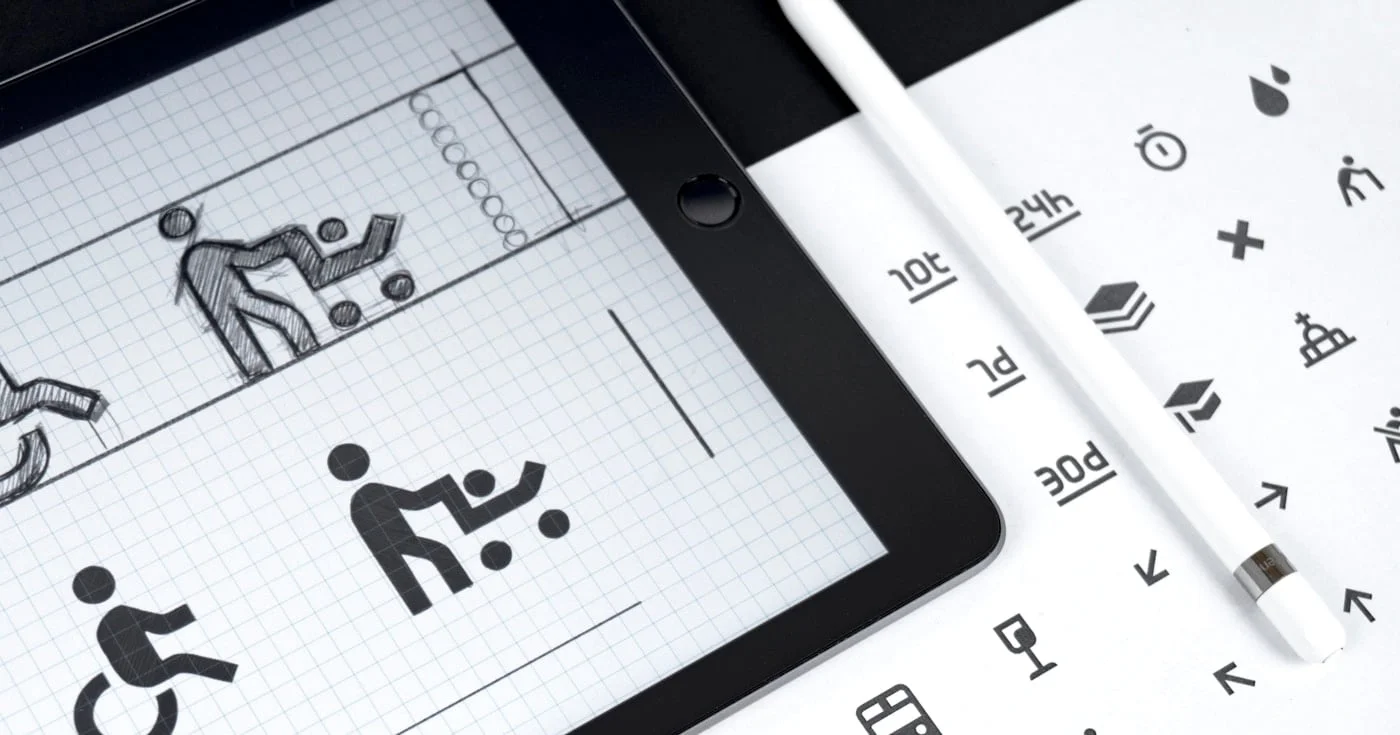
An ARIA label names a control with no visible text. When to use aria-label, when native HTML wins, and the misuse that hides the words on your button.
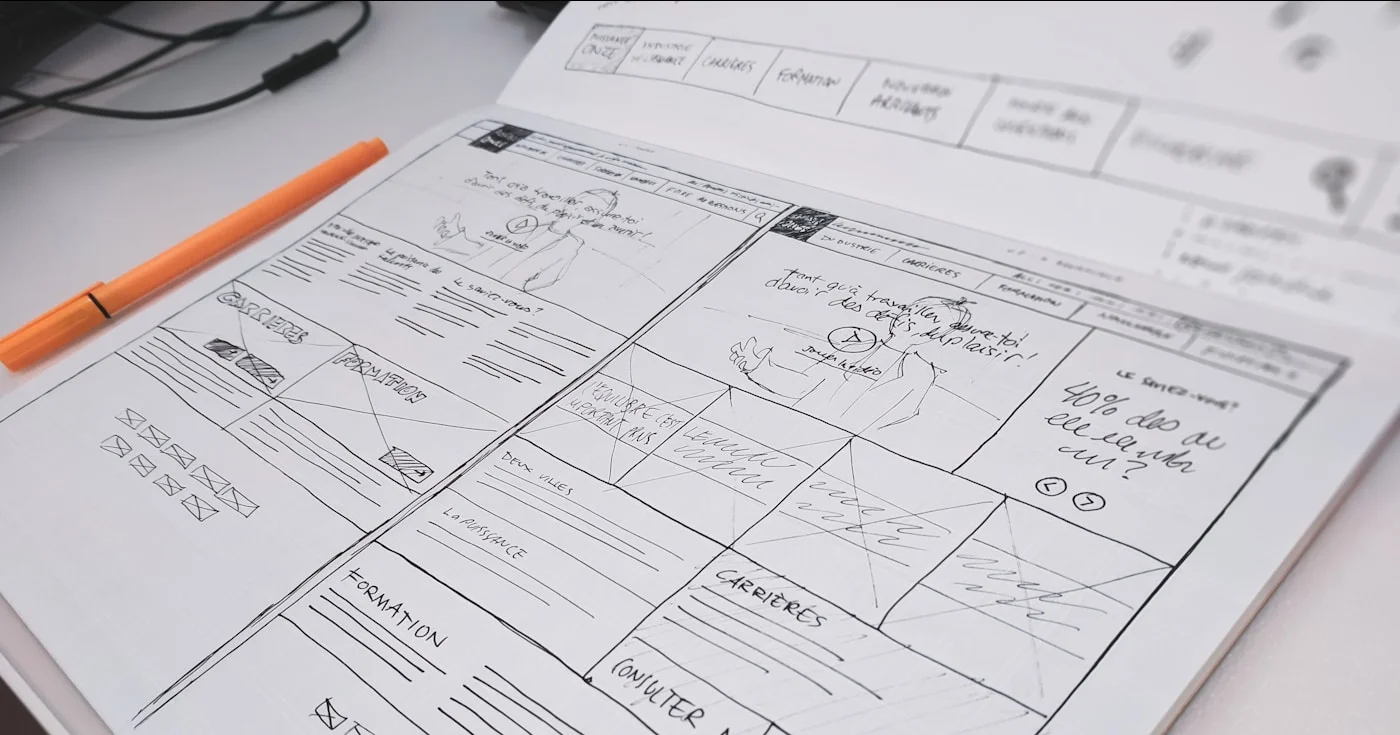
A wireframe is a skeletal screen layout for UI. Get lo-fi vs hi-fi, a skip-to-AI decision table, and how to sketch structure before you polish pixels.

A complete guide to writing a web design proposal that wins clients. Covers the 8-section structure, real $4k–$15k pricing breakdowns, the two-option strategy,
