
Google Stitch Pricing: Free, Capped Daily, With No Way to Pay More
Google Stitch is free with a daily credit limit that resets at midnight UTC. What credits buy, how limits changed, and how it compares to paid tools.
Updated 11 min read


Google Stitch is free with a daily credit limit that resets at midnight UTC. What credits buy, how limits changed, and how it compares to paid tools.
Google Stitch costs nothing: Google's Stitch FAQ says it is "currently provided free of charge" and "operates on a daily credit limit" that resets at midnight UTC. There is no paid plan and no way to buy extra credits, so the daily cap is the real price. By comparison, Figma's Professional Full seat costs $16 a month billed annually.
That makes Stitch the cheapest way to try AI interface design, but the cap shapes how you work. This guide covers how the credits work, what spends them and what does not, how the limits have changed since 2025, and how Stitch compares to Figma, Uizard and v0 on price.
Stitch is an AI design tool from Google Labs that turns text prompts, sketches and screenshots into UI designs for mobile and web apps. The site still carries a Beta label, and you sign in with a Google account. If you are new to the tool, start with our overview of what Google Stitch is and come back for the pricing detail.
The same FAQ lists the main outputs: you can export to Figma with Auto Layout, named layers and editable text, and get front-end code in HTML and CSS, including Tailwind. Stitch also builds clickable prototypes and offers MCP support so coding agents can read your designs. All of that sits inside the free tier.
Access has one limit beyond the credit cap. Per the FAQ, Stitch "is available in English to users 18+ in countries where Gemini is available."
Every AI action in Stitch draws from one daily pool tied to your Google account. You can see the balance in Stitch's settings page, and the pool refills at midnight UTC. In Madrid that is 01:00 in winter (02:00 in summer), and in New York 19:00 the evening before (20:00 in summer).
The pool belongs to the account, not the browser. In September 2026, Google's forum representative wrote that "the credit limit is attached to your specific Google Account ID, so switching browser profiles doesn't grant you a separate batch of 400 credits." Clearing site data can fix a stuck counter, but it does not add credits.
How far 400 credits go depends on what you ask for. Google's last public breakdown, posted by @stitchbygoogle on 3 December 2025, set these costs:
Action (December 2025) | Credits |
|---|---|
Rapid agent screen | 1 per screen |
Pro agent screen | 3 per screen |
Redesign agent screen | 3 per screen |
Interactive screen, first generation | 3 |
Interactive screen, each edit | 1 |
Google has not published an updated table since then, and the pool has changed shape twice. Treat those numbers as a guide to relative cost, not a price list. A creator who tested Stitch in 2026, James NoCode, said on YouTube that a full warm-up session of several screens and edits used about 100 of his 400 daily credits.
The other thing to know is that 400 is not guaranteed to be your number today. On 26 October 2026 the same Google representative referred to "new credit limits" without giving a figure, while a user counter in November still read 0/400. Check settings before you plan a big session.
Knowing which actions are free is the cheapest way to stretch the allowance.
Free:
Costs credits:
The practical rule: let the agent do structure, then do copy and color changes yourself. Save redesigns for when you need a full layout rethink, and run them early in your day so a drained pool does not block other work.
Ranking guides disagree on Stitch's limits because Google changed them several times, mostly through its X account and a Google representative's replies on the Google AI developer forum rather than a pricing page. Here is the record from Google's own channels:
Date | Change | Source |
|---|---|---|
July 2025 | Experimental Mode limit raised to 100 generations a month | |
September 2025 | Experimental quota doubled to 200 generations per calendar month | |
October 2025 | Google representative: no paid plan to increase credits | |
December 2025 | Per-screen credit costs published; Google representative cites "150 design limits per day" | |
April 2026 | Separate redesign credits "folded into the daily credits", one pool | |
August 2026 | Google representative confirms the daily reset at 00:00 UTC | |
September 2026 | Google representative cites "your daily 400 credits" | |
October 2026 | Google representative mentions "new credit limits", no number given |
Two things follow. First, any page that quotes a monthly limit is describing 2025. Second, the direction has been up: from a few hundred generations a month to a few hundred credits a day.
Several 2026 guides predicted paid Stitch plans by Q4 2026, and as of 24 November 2026 that has not happened. Google's FAQ still says Stitch is "currently provided free of charge", and the address stitch.withgoogle.com/pricing shows a "page not found" screen. Google's AI plans page does not list Stitch among the Google AI Pro or Ultra benefits.
Users on forums have asked for a paid top-up more than once, including on Google's own AI developer forum. In October 2025 Google's forum representative replied that "we don't have a paid plan to increase the credits right now." In February 2026, when a user asked to plug in their own API key for more credits, he said he was adding the request "to our active feature ticket for more volume".
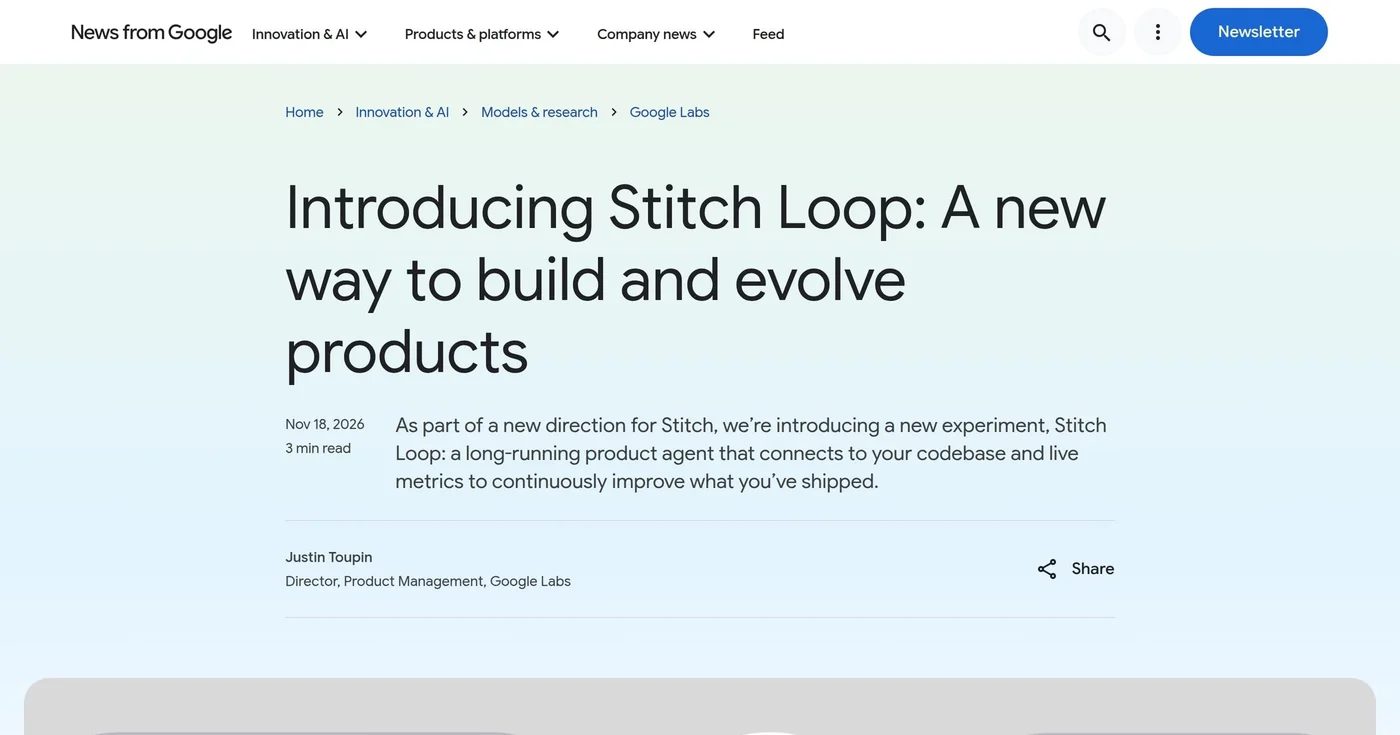
The first link between Stitch and a Google subscription arrived on 18 November 2026. Google announced Stitch Loop, a long-running product agent that connects to your codebase and opens pull requests for security, latency and accessibility fixes.
The Loop waitlist is open "for all users, globally, with eligible Google AI Ultra users getting priority access." Google gave no price for Loop and did not say it will need a subscription after the waitlist.
If you plan budgets for 2027, assume Stitch is free today with no announced end date, and the first paid hook is priority access, not more credits. Build on it, but keep your source files exportable to Figma or code so a future price change does not lock you in.
Google has kept adding features without adding a price. Highlights from Google's announcements:
For developers, the MCP connection uses API keys you create in Stitch settings, per the MCP setup guide. Google's docs do not say whether MCP calls draw from the same daily pool, so watch your balance when an agent works through it. Our page on Stitch skills lists agent skills built for that workflow.
Here is how the free tiers and first paid plans compare, from each vendor's pricing page on 24 November 2026. Prices are in US dollars.
Tool | Free tier | First paid plan | AI allowance on paid plan |
|---|---|---|---|
Free, daily credit limit | None | Not available | |
Starter: 150 AI credits a day, up to 500 a month | Professional Full seat, $16/mo billed annually | 3,000 AI credits a month, includes Figma Make | |
3 AI generations a month | Pro, $12/mo billed annually | 500 AI generations a month | |
$5 one-time credits for new users, 7 messages a day | Plus, $30 per user per month | $30 of monthly credits |
Stitch is the only one of the four with no paid plan at all. What you give up is control: Figma, Uizard and v0 all let you pay for a known monthly amount, and Stitch does not.
Use it if:
Skip it as your main tool if:
For a wider list, see our roundup of the best UI design tools.
Google Stitch is the best-value way to try AI-generated UI right now: Figma export, code and prototypes cost nothing, and the allowance resets every day. The price you pay is a cap you cannot raise. Use Stitch for exploration and first drafts, do small edits by hand, and keep Figma or another paid tool for deadline work where capacity has to be guaranteed.
Multi-brand design systems explained: how tokens let one codebase serve many brands, how they differ from multi-tenant and whitelabel, and the Figma setup.
shadcn/ui copies component source into your repo instead of installing a package. How it works now: Base UI, eight styles, theme tokens, Figma kits, vs MUI.

Compare the 12 best AI avatar generators for 2026: HeyGen, Synthesia, D-ID, Colossyan, and 8 more ranked by use case, real free tier limits, and hidden costs.
