
10 Adobe XD Template Collections Still Useful in 2027
Adobe XD is in maintenance mode. This hub covers official File > Get UI Kits and UI Things collections for free kits, websites, dashboards, and travel.
Updated 17 min read

Adobe XD is in maintenance mode. This hub covers official File > Get UI Kits and UI Things collections for free kits, websites, dashboards, and travel.
Adobe XD remains in maintenance mode: Adobe is not shipping new features, and it will keep addressing bugs and updating security or privacy needs until it gives a significant notice period before ending support. If you still have .xd files to finish, start with Adobe's official UI kits (File > Get UI Kits), then the free XD UI kits and website templates on this site.
xdguru.com now opens the UI Things homepage, so leftover XD Guru searches should land here too. The collections below are for opening and finishing existing XD work in 2027, not for starting a new product design system in a tool Adobe is not investing in.
Below are 10 Adobe XD template collections, with official Adobe kits first, then UI Things collections by use case, and Hooked last as the original XD Guru kit.
Ordered with Adobe's official kits first, then UI Things collections by use case, and Hooked last as the original XD Guru kit, not by search popularity.
Software | Best For | Key Features | Pricing | Free Plan | Platforms |
|---|---|---|---|---|---|
Platform-native starters | Apple iOS, Google Material, Windows, wireframes, Adobe-made packs | Included with XD on Creative Cloud Pro | Kits download inside XD | macOS, Windows (via XD) | |
Community kit browsing | About 15 named kits, including Material and dashboard starters | Free | Yes | Adobe XD | |
Marketing and portfolio sites | Fashion, sport, Unsplash, and responsive portfolio templates | Free (some premium kits mentioned on the page) | Yes | Adobe XD | |
Admin and analytics UI | Six named dashboards for HR, finance, recruiting, and mobile | Free | Yes | Adobe XD | |
Stores and checkout | 18+ named store, fashion, furniture, and mobile kits | Free and premium mixed | Yes, for the free kits | Adobe XD | |
Booking and trip apps | 17 named travel, hotel, and flight kits | Free | Yes | Adobe XD | |
Messaging UI | 12 named chat, messenger, and chatbot kits | Free | Yes | Adobe XD | |
Presentation frames | macOS, iPad, phone, and browser mockups | Free | Yes | Adobe XD | |
Large paid systems | Atro, Quantum, Tucana, and other named paid kits | Paid (vendor prices not re-checked on 26 November 2026) | No | Adobe XD | |
A compact first kit | 14 screens, iPhone 6/7/8 artboards, made by UI Things | Free | Yes | Adobe XD |
Adobe XD template collections compared at a glance
Best for platform-native starting points inside XD
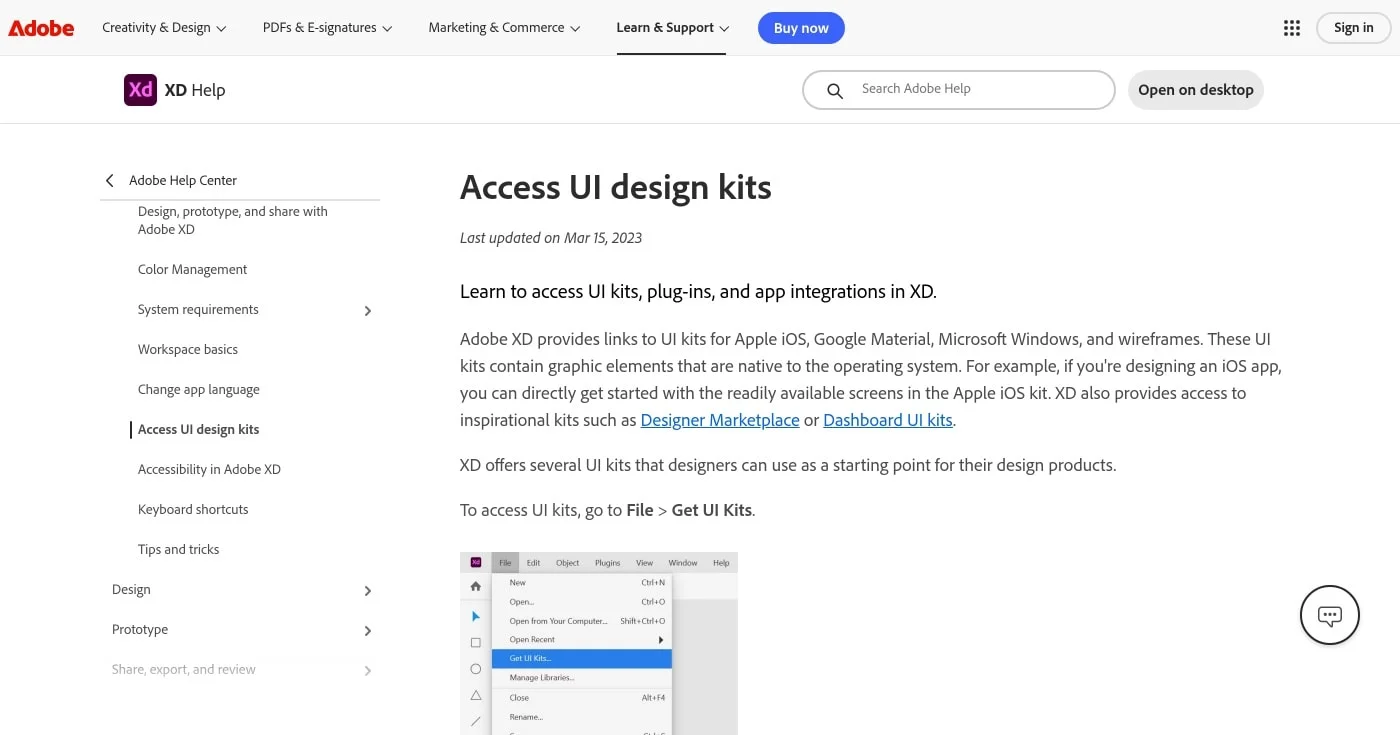
Adobe's own kits are the right first stop, because they come from the product, not from a third-party gallery. The Access UI design kits help article, last updated 15 March 2023 and still live on 26 November 2026, says Adobe XD provides kits for Apple iOS, Google Material, Microsoft Windows, and wireframes. The in-app path it documents is File > Get UI Kits.
The same page lists Adobe-made packs you can use as project starters: AEM kits (Allport, Sooth, WKND, BFSI), Dashboard, E-Commerce, Presentations, Smartwatch, watchOS 5, and Digital Marketing Design. This research did not re-download every pack inside a current XD install, and some names (watchOS 5 in particular) are older than 2027 hardware.
They will not make XD a current design-system tool, but they save you from building iOS chrome or a wireframe grid by hand. If you work in Adobe Commerce, Adobe still publishes a PWA Studio XD Kit for storefront planning.
A current dollar price for Creative Cloud Pro is not quoted here, because Adobe's plans page did not yield extractable prices on 26 November 2026.
Best for browsing community kits in one place
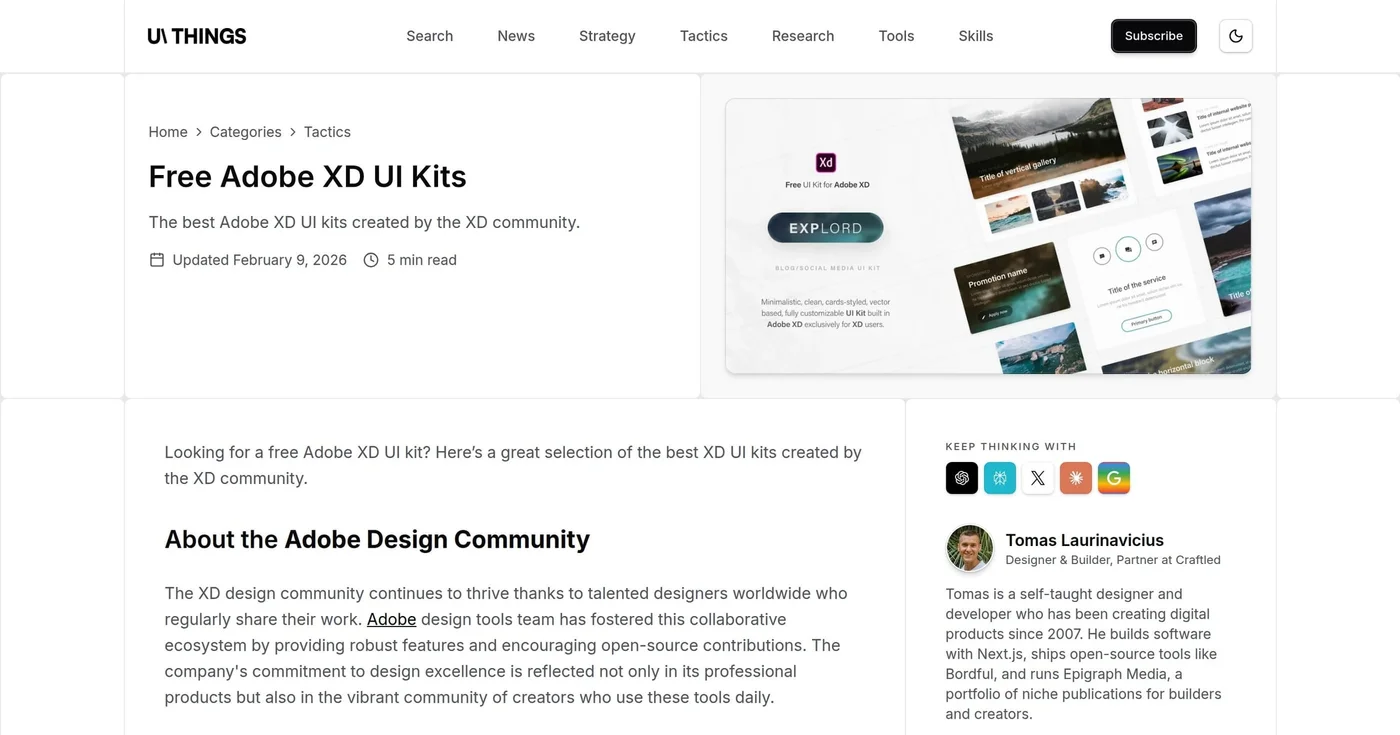
The free XD UI kits collection, updated 9 February 2026, is the general kit shelf on this site. It names about 15 community kits, including Responsive Resize, Argon, a Material Design kit, dashboard and music kits, and Adobe-era freebies such as Explord. Use it when you need a component set or a mobile shell rather than a single landing page.
It is a curated list, not a dump of everything ever posted. An older Hooked page still says the site has "hundreds of free XD UI kits" via an xdguru.com URL. Read that as a sitewide historical claim, not as the count of items on this spoke.
For a current browse, start here, then jump to a tighter spoke if you already know the use case.
If you are comparing libraries outside this site, Adobe XD Elements is the gallery that ranked first for "adobe xd templates" on 26 November 2026. It does not state Adobe's official maintenance-mode wording, which is why this hub leads with the FAQ instead of mirroring that gallery.
There is no paid tier on this collection page. Premium kits live on the premium UI kits spoke instead.
Best for landing pages and marketing sites
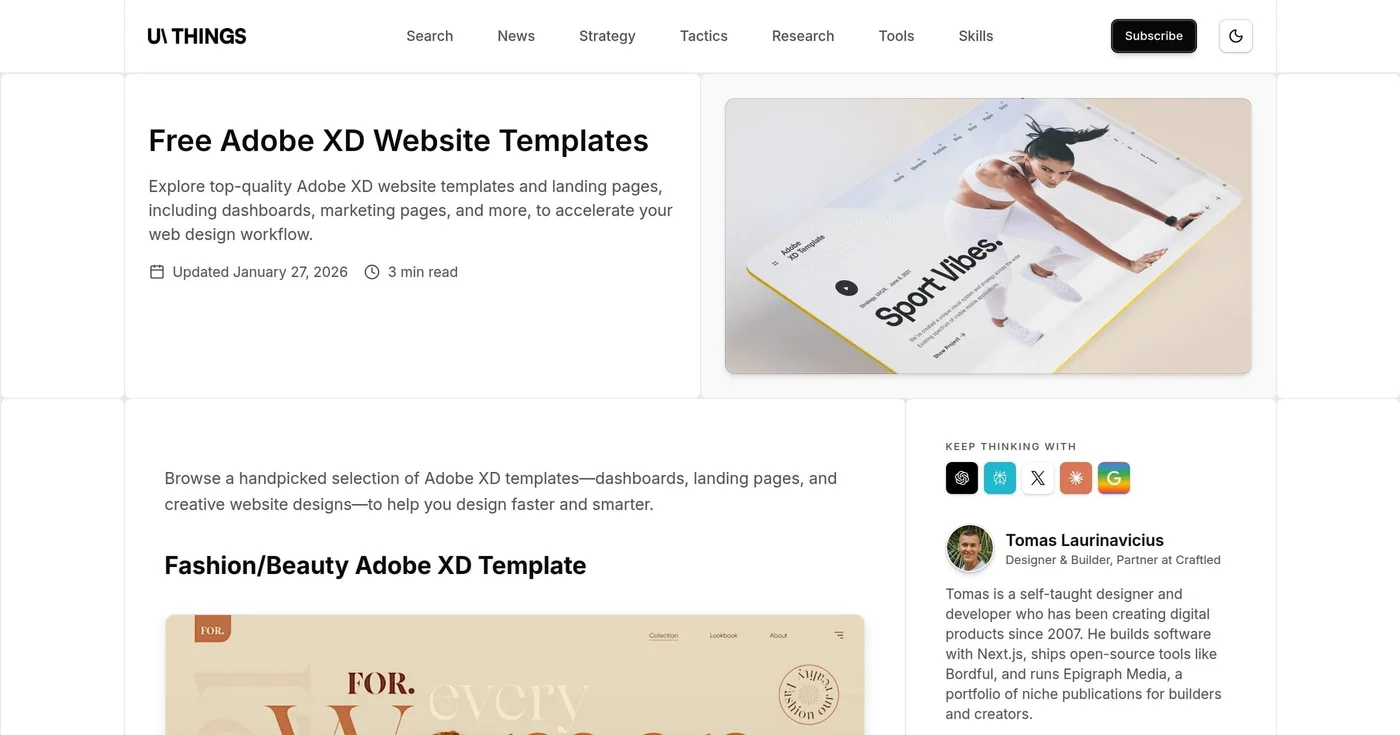
The free website templates collection, updated 27 January 2026, is the web-specific shelf: fashion and beauty homepages, sport vibes, an Unsplash-based layout, and a free responsive portfolio template. Reach for it when the leftover file is a marketing site rather than an app UI.
The page also mentions some premium kits (UI Creator, Dashcom) in the same browse, so read the label on each item before you treat the whole list as free. For a single travel landing page, there is also a dedicated free travel landing page and the larger travel collection.
Adobe's FAQ still describes XD as a tool for website and mobile-app design, even in maintenance mode. These templates will not replace a current web design tool, but they can unblock a homepage, portfolio, or campaign layout you already started in XD. If you later need to hand the work to a developer, see the Adobe XD converters spoke rather than expecting Adobe to add new export features.
Best for analytics and admin layouts
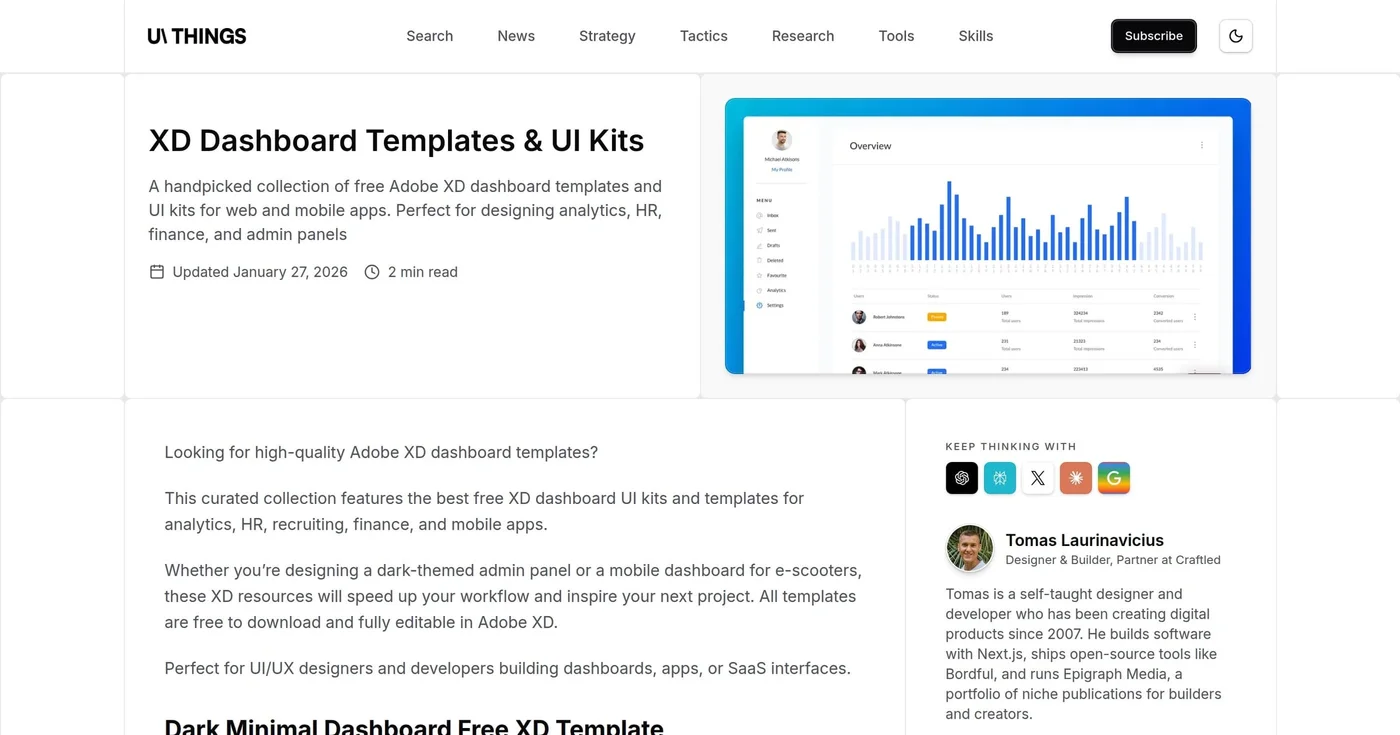
The XD dashboard templates collection, updated 27 January 2026, names six dashboards: a dark minimal template, an e-scooter mobile dashboard, analytics, HR stats, recruiter, and wallet layouts. It is the right spoke when the file you are finishing is an admin panel, not a marketing site.
Dashboard work is also where official Adobe kits overlap. Adobe's File > Get UI Kits list includes a Dashboard pack and Animated Charts, documented on the Access UI design kits page. Start with the official pack if you want Adobe's own charts and layouts, then use this collection for additional community compositions.
Six templates is a tight set. That is a feature if you want a short, opinionated shelf, and a limit if you hoped for every admin pattern. For a paid dashboard system, the premium collection and older product pages such as Administrator sit alongside this free list.
Paid dashboard kits, if you need a larger system, are listed separately on the premium spoke.
Best for store and checkout flows
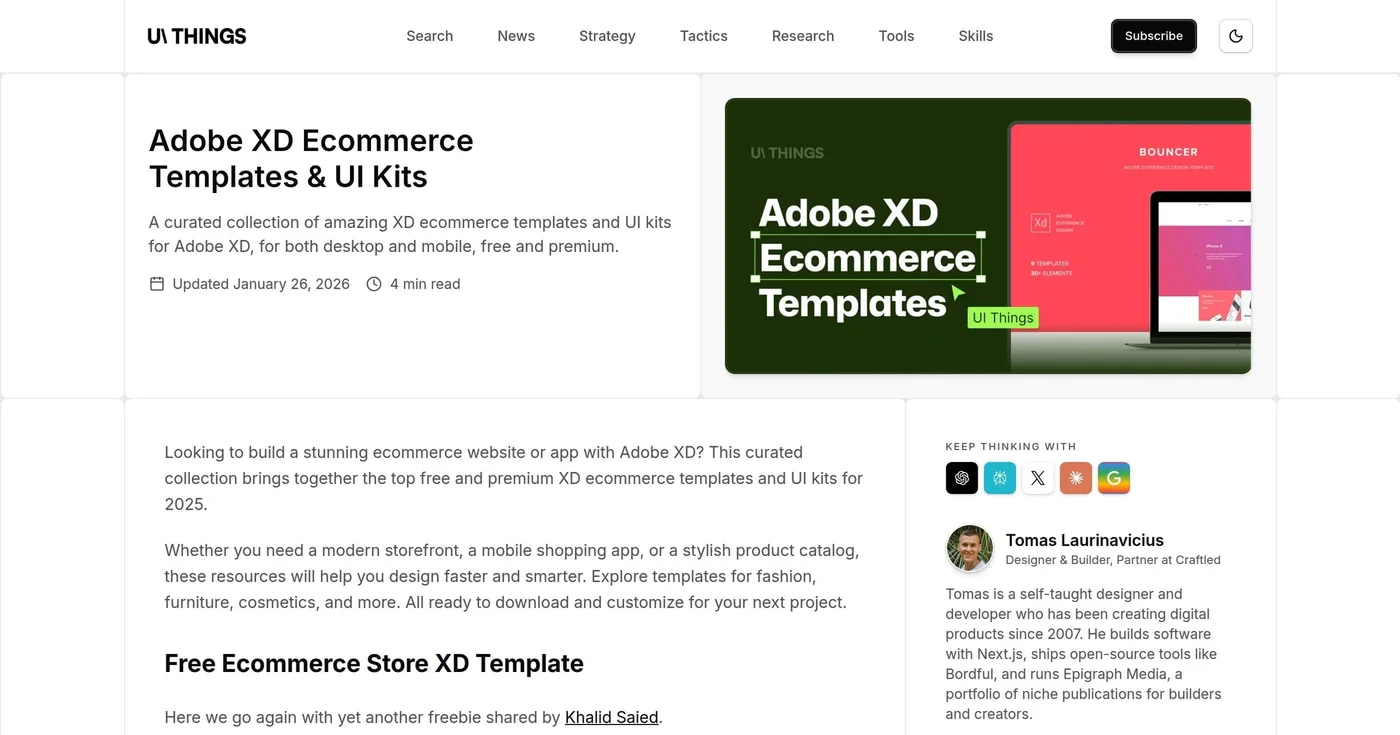
The Adobe XD ecommerce templates collection, updated 26 January 2026, is the largest use-case shelf on this hub: more than 18 named store, furniture, cosmetics, fashion, checkout, and mobile kits, mixing free and premium files. Use it when the leftover XD work is a catalog, product page, or checkout.
One honesty check: the collection intro still says "for 2025" on a page marked updated in January 2026. The templates themselves are still the right cluster for ecommerce files. Treat the leftover year stamp as a reminder that this is a catalog of existing kits, not a newly researched 2027 store-UX roundup.
Adobe also ships official ecommerce starting points: the E-Commerce and Altura packs on the Get UI Kits page, plus the PWA Studio XD Kit if the storefront is an Adobe Commerce project. Start there when you want vendor-backed components, then use this collection for additional visual directions.
Best for booking, hotel, and trip apps
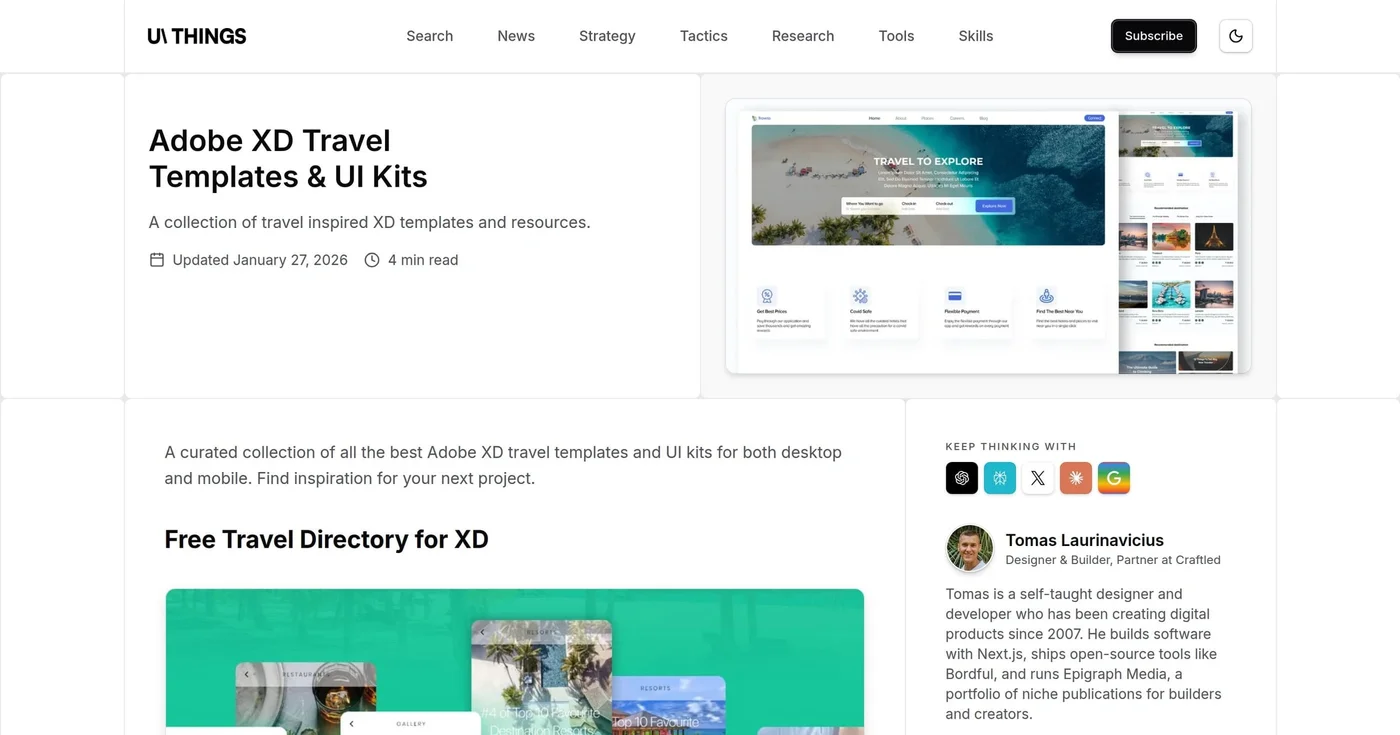
The Adobe XD travel templates collection, updated 27 January 2026, lists 17 named travel, hotel, flight, directory, and landing-page kits. It is currently the UI Things URL that ranks for "adobe xd templates" in Google. That is why this hub exists: a travel-only spoke is the wrong head-term page, even when the kits on it are solid.
Use this collection when the file is actually a travel product. If you arrived from an old XD Guru URL, or from a generic templates query, go back to the official kits or the free UI kits and website spokes first. A single related freebie also lives at free travel landing page.
The kits cover directory apps, hotel sites, flight booking, and animated homepages. They are useful references for layout and flow. They are not a substitute for current booking-platform patterns, and they do not change Adobe's maintenance-mode status.
There is no paid tier on this collection itself.
Best for messaging and chatbot UI
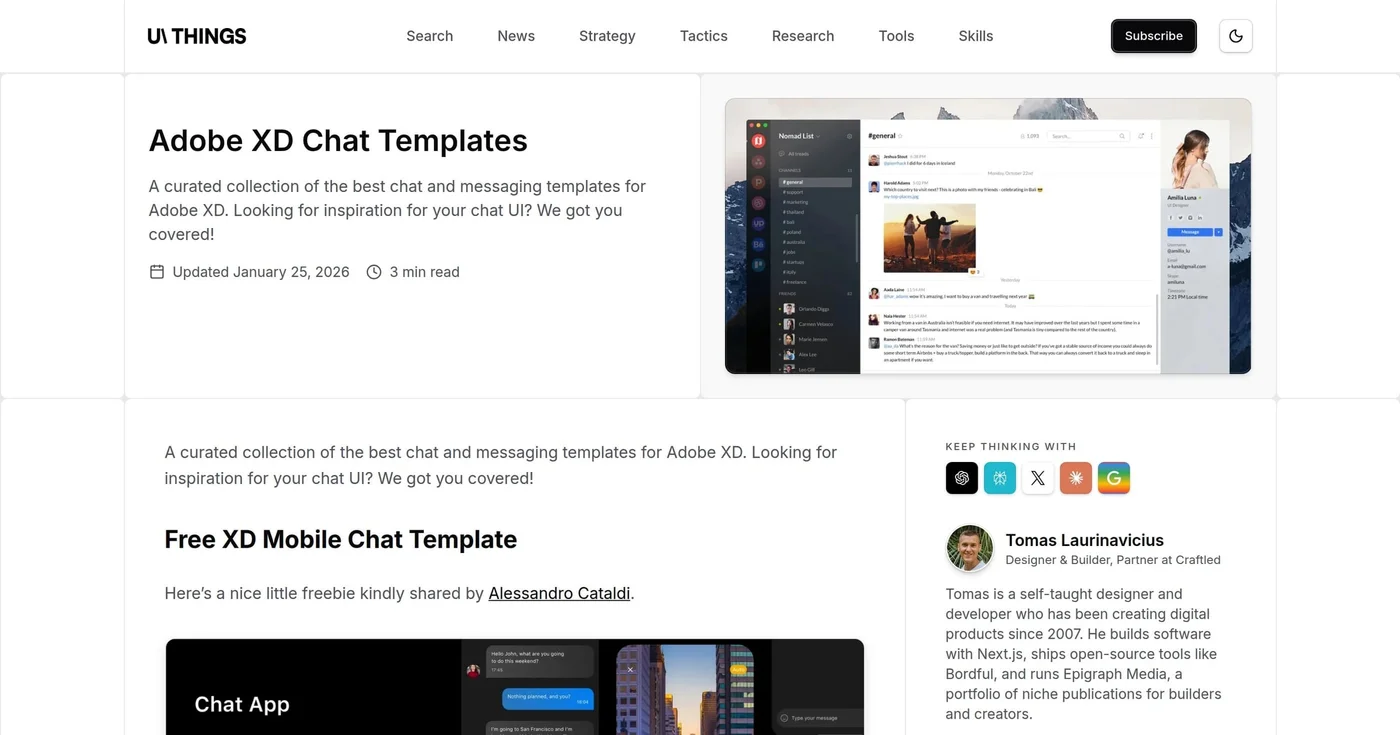
The Adobe XD chat templates collection, updated 25 January 2026, gathers 12 named chat, messenger, and chatbot kits, including mobile chat, desktop chat, signup screens, and a WhatsApp-style UI. Use it when the leftover file is a conversation thread, inbox, or bot transcript, not a marketing homepage.
Chat UI ages quickly. These templates are useful for structure (message bubbles, composer bars, contact lists) and poor as a ship-ready 2027 messaging product.
If the work has to move into a current tool, expect to rebuild components rather than import every interaction intact. Designers on r/UXDesign describe that same lossy path when they try to move large XD files into Figma.
For icons and chrome around a chat UI, the Adobe XD icons collection is the adjacent spoke. Official Adobe kits on the Get UI Kits page are weaker in this category; this is one use case where the community shelf is the main resource.
Best for presenting screens in device frames
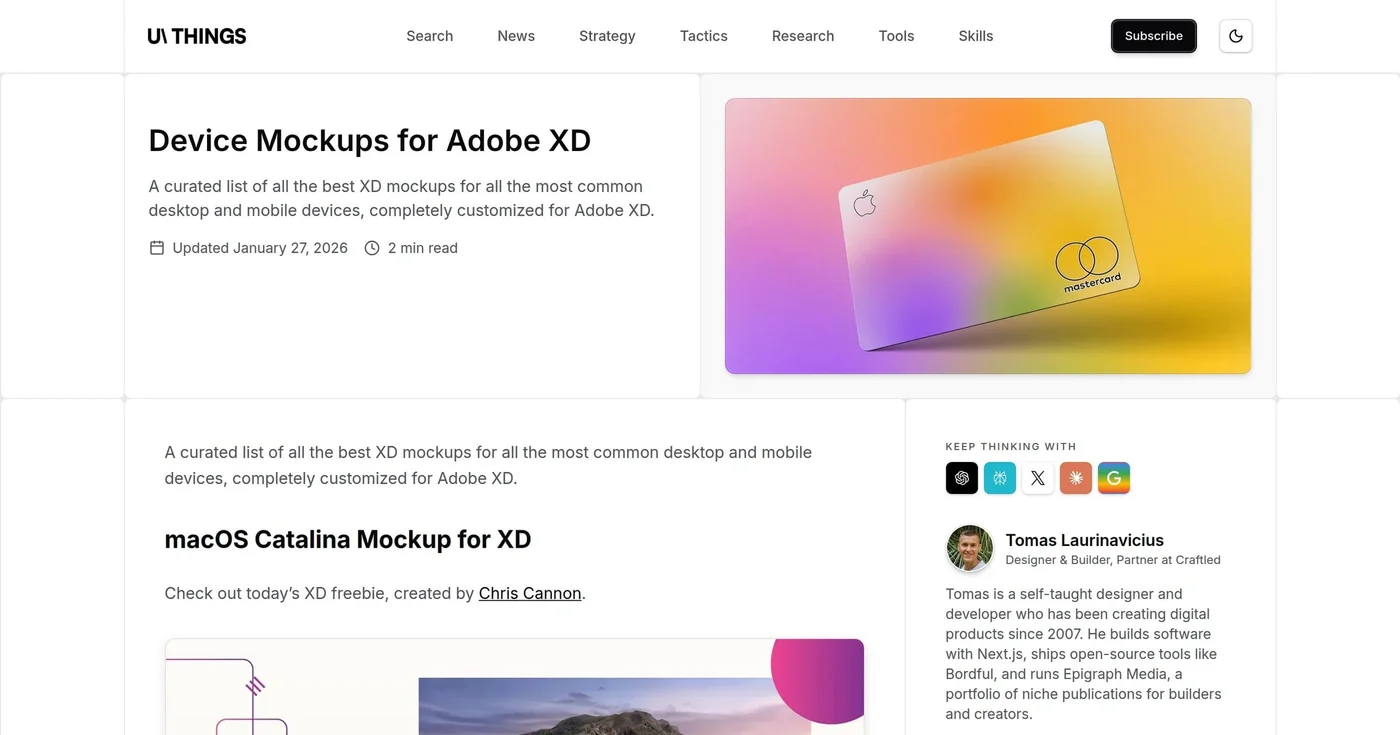
The device mockups collection, updated 27 January 2026, is a presentation shelf: macOS Catalina, iPad Pro, Galaxy Fold, Safari (dark), an iPhone XS Max clay mockup, and an Apple Card mockup. Use it when you need to drop finished artboards into a device frame for a stakeholder deck, not when you need a new UI kit.
Be blunt about the dates. macOS Catalina and iPhone XS Max are older than 2027 reference devices. These mockups still work as frames if your audience only needs "phone" or "laptop."
They are the wrong choice if a client expects current hardware chrome. Adobe's official kits include some device-native UI (iOS, watchOS 5), but they are interface kits, not marketing mockups.
If you have already moved the work to Figma, do not stay in XD just to use these frames. This collection exists for files that are still in XD and still need a presentation wrap.
Best for larger paid kits and illustration packs
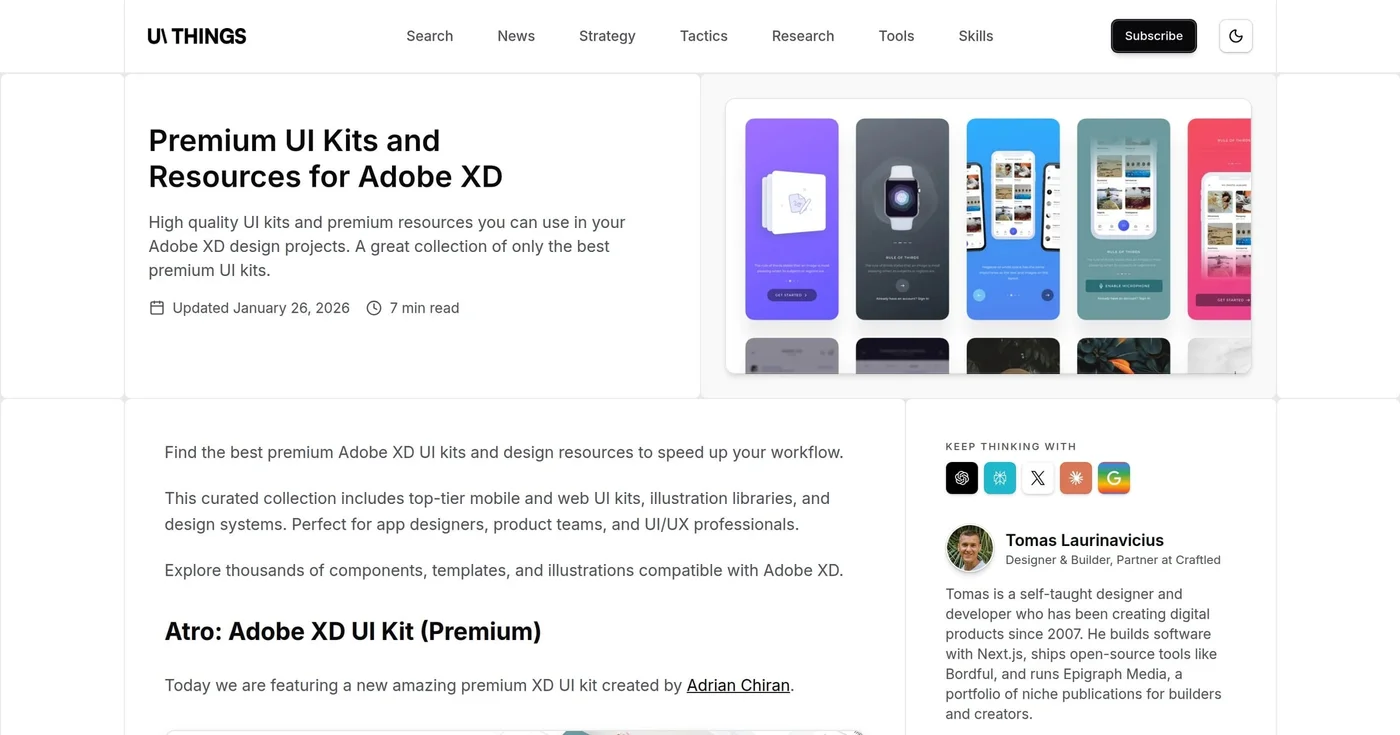
The premium UI kits collection, updated 26 January 2026, is the paid shelf. It names kits such as Atro, Awesome (iOS), Cahome, Universal, Aron, Web Interface 2, Quantum, and Tucana illustrations. Use it when a free community kit is too thin and you are willing to pay a third-party designer for a larger component set.
Prices were not re-checked on each vendor page on 26 November 2026, so this hub does not quote a dollar figure. Follow the links on the collection page for the live price and license.
A wider paid library also exists on Envato Elements, which showed a sale banner on that date. Its list price was not extracted, so it is a place to look, not a price we can state.
Premium does not mean current. A paid XD kit is still a file for a product in maintenance mode. Buy one only if it shortens leftover work you are committed to finishing in XD.
Check the vendor listing before you buy, including whether the license still covers commercial work and whether the seller is still supporting an XD file.
Best for a 14-screen kit made by UI Things (formerly XD Guru)
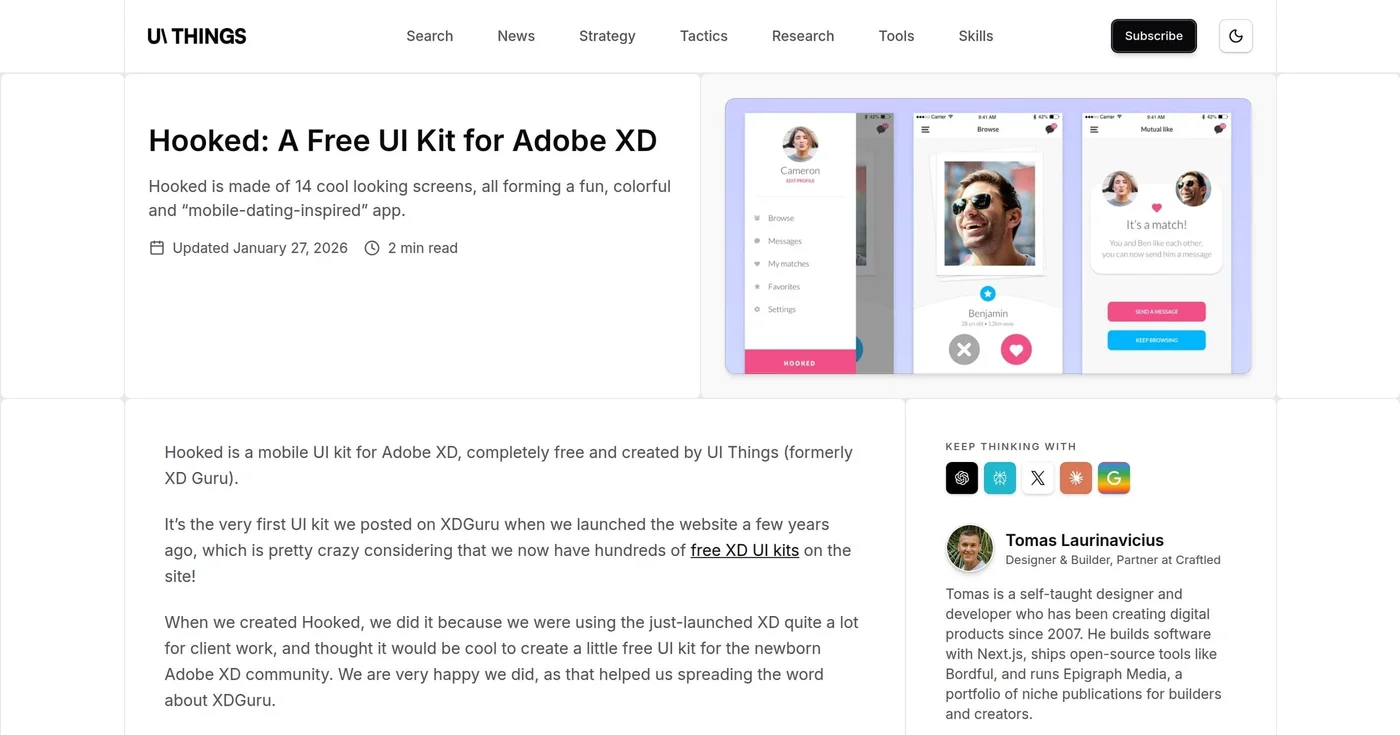
Hooked, updated 27 January 2026, is a free 14-screen mobile kit, "mobile-dating-inspired," and the first UI kit posted on XD Guru. The page is explicit about the rebrand: it is "created by UI Things (formerly XD Guru)." If you arrived from an old XD Guru bookmark, this is the artifact that explains why the URL now sits on UI Things.
The .xd file uses iPhone 6/7/8 artboard sizes, with vector elements and organized layer folders. That is useful history, and it is also a constraint: you will be starting from 2010s device dimensions, not a 2027 phone. Use Hooked as a compact teaching file or a small-app reference, then jump to the free UI kits collection for a broader shelf.
Adobe's official kits remain the better platform-native start. Hooked earns a place on this hub because it is this site's original XD kit, and because it documents the XD Guru to UI Things handoff in the product itself.
The page does not add a paid upgrade. Broader free kits are on the free UI kits collection.
WCAG 2.2 for designers: what A, AA and AAA mean, the 55 criteria behind an AA claim, the 9 new rules in 2.2, and the WCAG 3 draft heading into 2027.
An ARIA label names a control with no visible text. When to use aria-label, when native HTML wins, and the misuse that hides the words on your button.
A wireframe is a skeletal screen layout for UI. Get lo-fi vs hi-fi, a skip-to-AI decision table, and how to sketch structure before you polish pixels.
