
13 Landing Page Builders Ranked by Use Case, Not Feature Count
Compare 13 landing page builders by visitor caps, A/B testing, AI features, and conversion data. From Carrd's $9/year to Instapage's enterprise suite.
Updated 22 min read

Compare 13 landing page builders by visitor caps, A/B testing, AI features, and conversion data. From Carrd's $9/year to Instapage's enterprise suite.
Unbounce leads most roundups, but the right tool depends on where you are: Carrd gets a validation page live in under an hour at $9/year, while Instapage handles enterprise personalization at scale. Data from Unbounce's Q4 2024 analysis of 41,000 landing pages and 464 million visitors shows a median conversion rate of 6.6%, but copy reading level alone swings that from 5.3% (professional-level) to 11.1% (5th–7th grade).
The builder shapes the canvas; the copy fills it.
Software | Best For | Key Features | Pricing | Free Plan | Platforms |
|---|---|---|---|---|---|
PPC campaigns | Smart Traffic, DTR, A/B (Experiment+) | $22/mo annual | No (14-day trial) | Web | |
Enterprise CRO | Instablocks, real-time collab, server-side A/B | $79/mo annual | No (trial) | Web | |
Small business | Unlimited traffic, all-plans A/B, Leadmeter | No (7-day trial) | Web | ||
Mobile-first | AMP all plans, Smart Pages, A/B all plans | $29/mo annual | No (14-day trial) | Web | |
Template depth + AI | 400+ templates, Lunar AI, Solis AI, A/B (Optimize+) | $24/mo annual | Yes | Web | |
Validation / MVP | Single-page sites, custom domain, forms | Yes (3 sites) | Web | ||
Design-led SaaS | CSS control, CMS, animations, code export | Yes | Web | ||
Creator launches | AI drafts, motion, CMS included | Yes | Web | ||
Structured content layer | Content Lake, GROQ, Sanity Studio | Yes (20 seats) | Web | ||
Email + pages bundle | Unlimited pages, email automation, A/B (paid+) | Yes (500 subscribers) | Web | ||
CRM-connected pages | Native CRM, smart content, lead scoring | Yes | Web | ||
Sales funnels | Full funnel, upsells, email, affiliate, checkout | $81/mo annual | No (14-day trial) | Web | |
WordPress teams | 100+ widgets, AI features, WooCommerce | Yes (free plugin) | WordPress |
13 landing page builders compared at a glance
Best for PPC and paid search campaigns
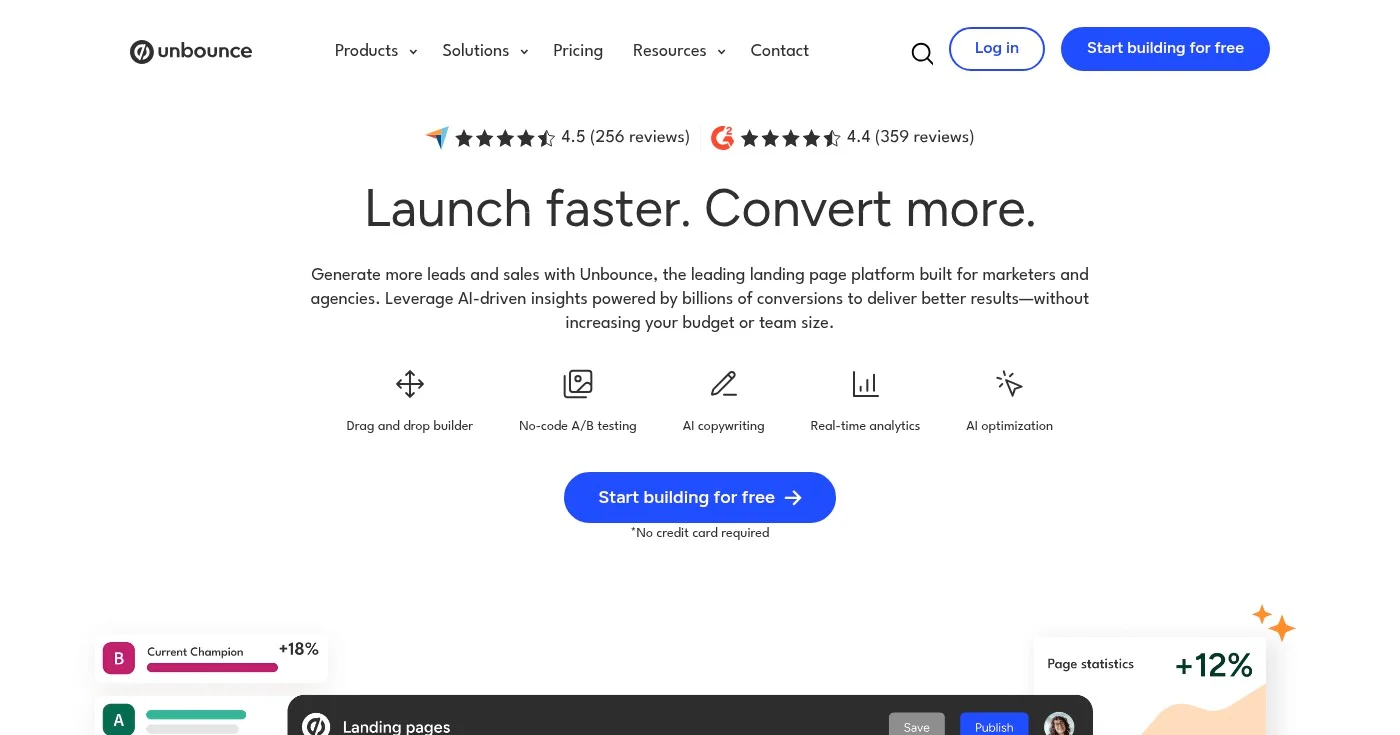
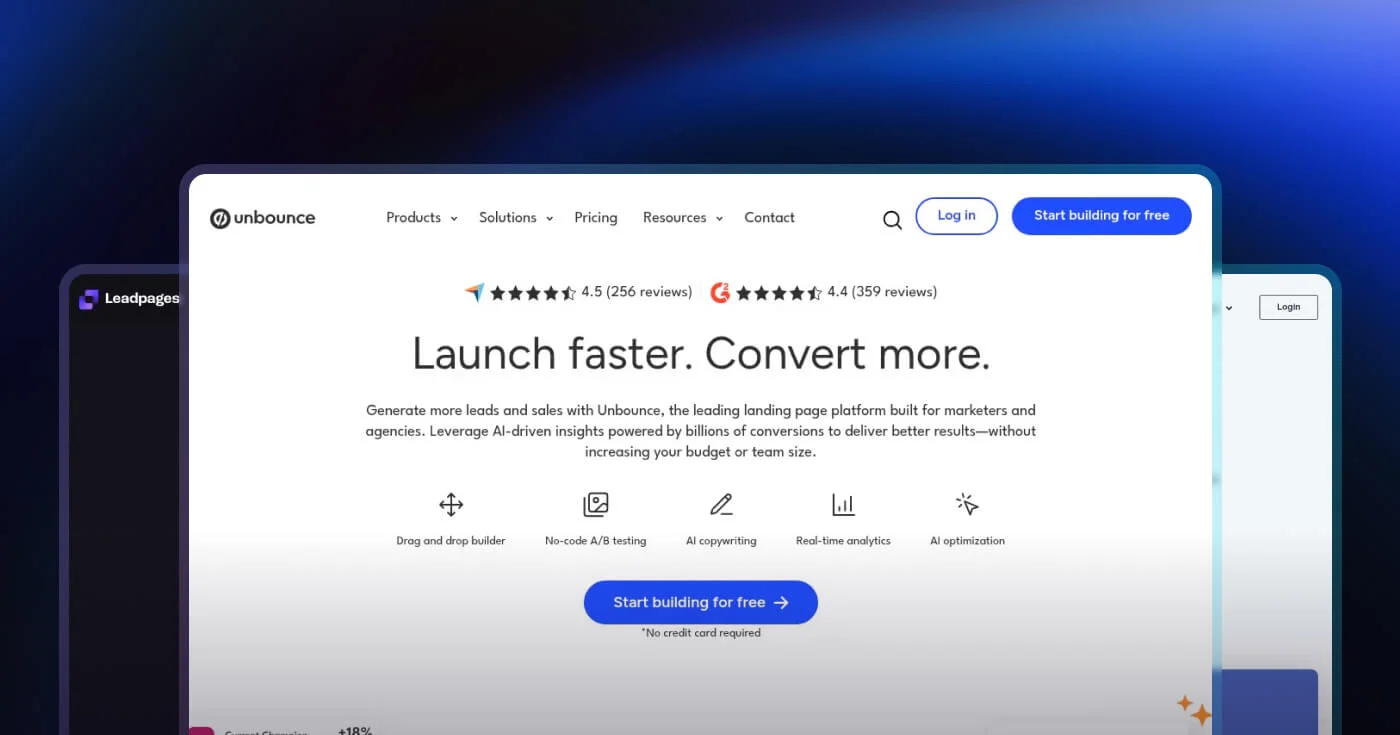
Unbounce is the category pioneer, founded in 2009 and the most consistently cited tool across competitive roundups. Its sharpest differentiator is Smart Traffic: an AI routing layer that analyzes visitor device, location, and referral source, then routes each visitor to the variant most likely to convert for that profile.
Unbounce reports 20–30% more conversions vs. a manual 50/50 split, and it's the only AI traffic feature in this list with primary conversion data rather than a marketing claim. Dynamic Text Replacement (DTR) rewrites the landing page headline to match the exact Google Ads keyword a visitor clicked, improving Quality Score without a separate variant for every ad group. Smart Copy (AI writing assistant) and 1,000+ integrations round out a tool purpose-built for conversion-focused campaigns.
A/B testing is NOT included in the two entry plans. You need the Experiment plan at $112/mo annual to run split tests. Visitor caps accelerate cost: 50,000 monthly visitors requires the Optimize plan at $187/mo annual.
All plans come with a 14-day free trial, no credit card required. See the full Unbounce pricing page for annual vs. monthly rates.
Best for enterprise teams and conversion at scale
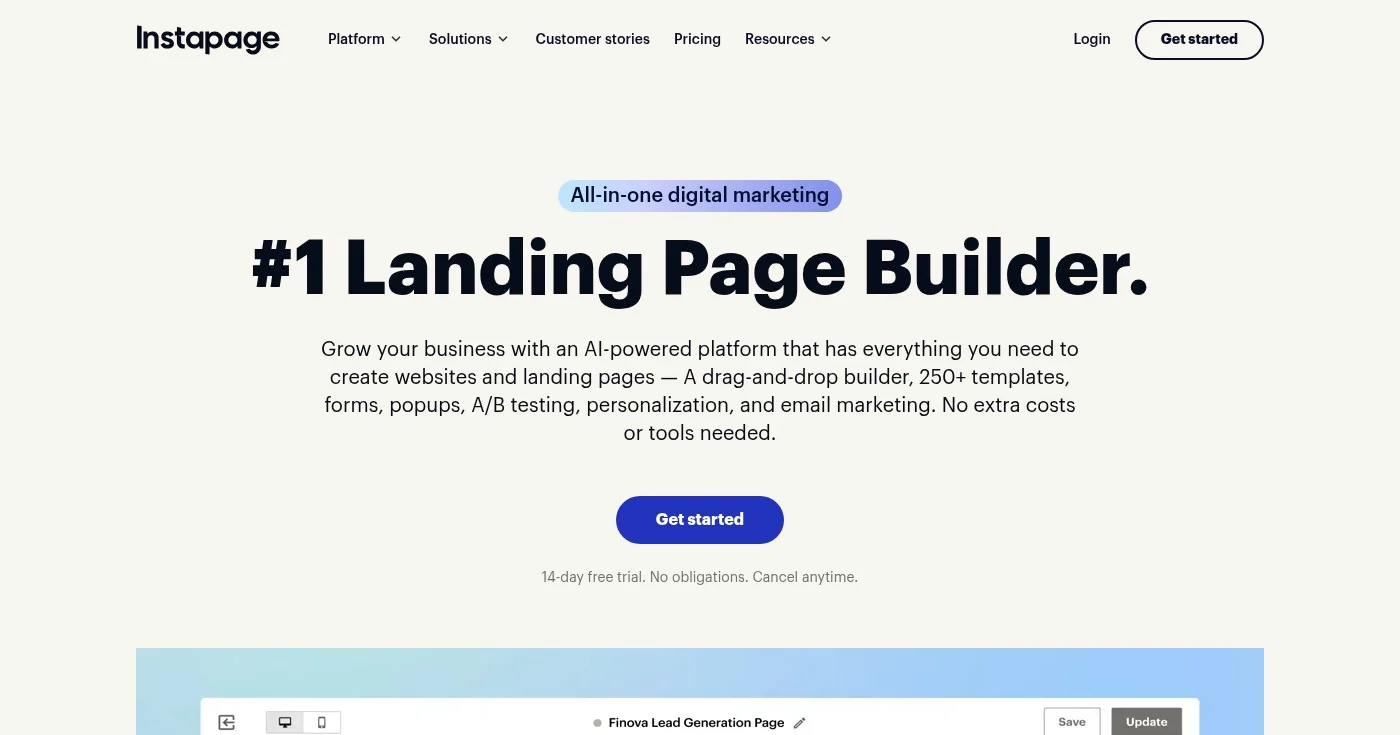
Instapage has the most expensive entry point in this list, and the feature set at the $159/mo Optimize tier earns it. Instablocks (global design blocks that update across all connected pages when edited once) is the most-cited agency productivity feature across reviews. The real-time visual collaboration layer: on-page commenting modeled on Slack, no external design review tool needed: has no equivalent in the category.
The Optimize tier includes server-side A/B testing (no flicker, no page reload). Programmatic pages (Collections) are available across all plans, starting with the Create tier, letting teams generate personalized page sets from a content table. The Convert (enterprise) tier adds heatmaps, ad-to-page personalization, global elements, and direct lead bypass for CRM delivery without Instapage servers.
The $79/mo Create plan carries meaningful limitations: a 15,000 monthly visitor cap with no A/B testing, no heatmaps, and no personalization. G2 reviewers also note pricing increases since Instapage was acquired by airSlate.
No free plan. See Instapage pricing for current tiers.
Best for small businesses with unlimited traffic
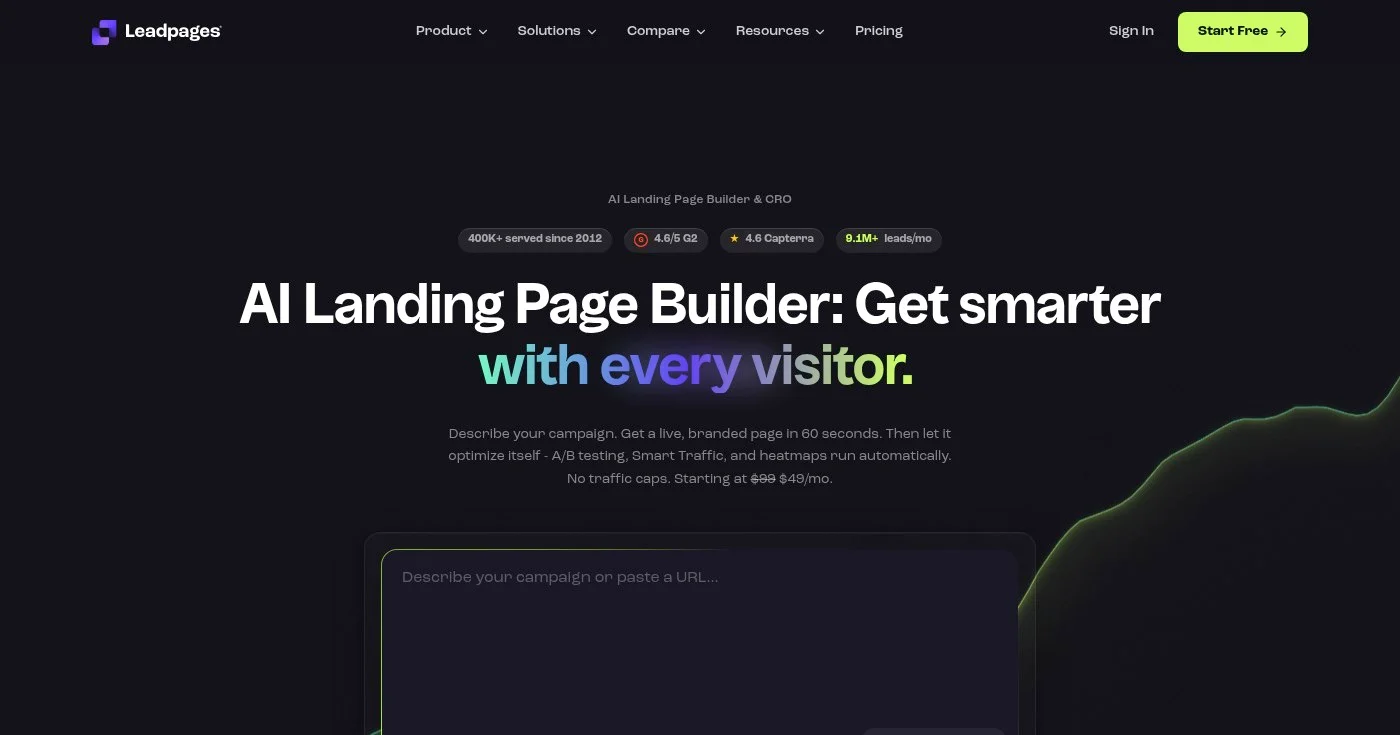
Leadpages has served 400,000+ businesses since 2012, and its clearest differentiator vs. Unbounce and Instapage is a structural one: unlimited traffic on every plan, no visitor caps, no overage fees. A business running 50,000 monthly visitors on Unbounce pays $187/mo annual; the same traffic volume on Leadpages costs $49–$99/mo depending on features needed.
A/B testing is included on every plan, including entry-level Grow: making Leadpages and Swipe Pages the only tier-1 dedicated builders that do this. Leadmeter displays a real-time conversion score as you build, before publishing: a unique feature in the category that guides decisions without a separate analytics tool.
In 2026, Leadpages completed an AI-native platform rebuild capable of generating a live landing page from a text description in under 60 seconds. The Leadpages Capterra rating is 4.6/5 across 302 reviews. Leadpages acquired Glorify (a design tool) in July 2025, improving built-in visual asset creation.
7-day free trial. See Leadpages pricing for current rates.
Best for mobile-first and AMP campaigns
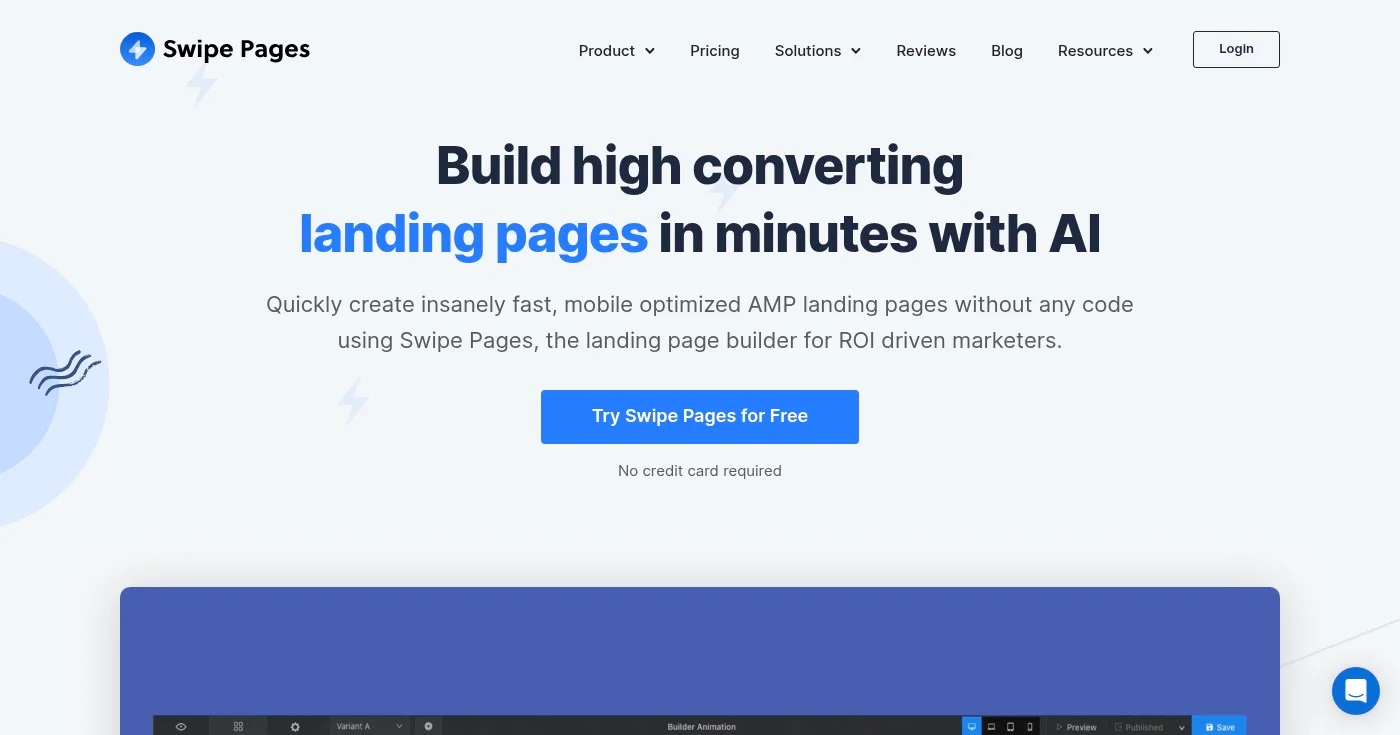
Swipe Pages is built for the 60%+ of traffic that arrives on a phone. Its AMP (Accelerated Mobile Pages) implementation: delivering sub-2-second load times on mobile: is included on all plans, not gated at a premium tier. That one fact separates Swipe Pages from builders that treat AMP as an enterprise feature.
Smart Pages add a second layer: swipe-gesture UX that turns a landing page into an app-like mobile experience. A/B testing is included on all plans. One-click Stripe checkout completes the mobile stack.
Swipe Pages targets the failure mode LinkedIn voices flag consistently: technically responsive pages that drive abandonment because of slow load times and complex CTAs.
Genie AI generates full pages from text prompts. For agencies, the Agency plan at $149/mo includes unlimited domains and unlimited subaccounts. Visitor caps apply (unlike Leadpages), with overages charged at $5 per 5,000 additional visits.
14-day free trial, no credit card required. See Swipe Pages pricing.
Best for template variety and AI page generation
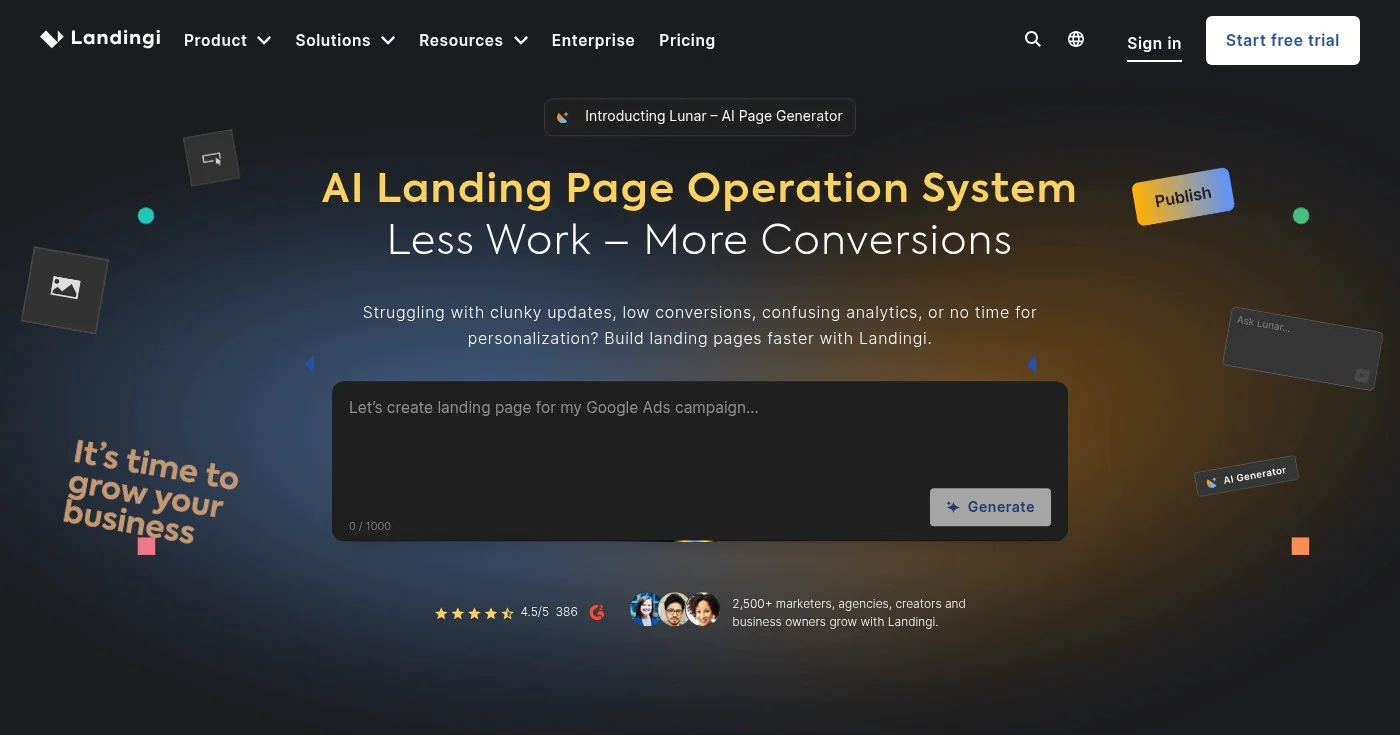
Landingi has the largest template library in this comparison: 400+, and has moved furthest into AI-native generation. Lunar AI Creator generates full landing pages from a conversational prompt. Solis AI Insights surfaces automated conversion recommendations and answers data questions in plain language: no separate analytics tool required.
EventTracker (micro-conversion tracking for clicks, scroll depth, video plays) is available at the Optimize tier alongside server-side A/B testing. Smart Sections (update content across multiple pages simultaneously, similar to Instapage's Instablocks) is standard on mid-tier plans. The Orbit MCP Server on Scale/Enterprise lets developer teams integrate Landingi's page management into custom build pipelines: a rare developer-facing feature in this category.
The Build plan at $24/mo looks affordable but is limited to 2,000 monthly visitors and 10 pages. The realistic entry point for actual campaigns is the Optimize plan at $119/mo: a steeper step than comparable tiers at Unbounce ($112/mo) or Swipe Pages ($69/mo).
Free plan available; 14-day trial on paid tiers. See Landingi pricing.
Best for idea validation on a minimal budget
Carrd is intentionally narrow: single-page sites only. No A/B testing, no popups, no CMS. What it delivers instead is a sign-up page live in 15 minutes at $9/year: the cheapest paid option in the entire category by a significant margin.
u/PixingWedding in r/Entrepreneur captured the validation pattern directly: a page with a clear pitch and a signup form reveals more than a hundred hours of building in a vacuum. The single-page constraint removes decision paralysis: no feature set to learn before the page goes live.
Carrd remains bootstrapped (solo founder, identity private by choice) with no investor pressure on pricing. That's the durability argument: while Unbounce merged with a CRM and Instapage was acquired by PE, Carrd's pricing has stayed stable since launch. The free plan supports 3 sites on a Carrd subdomain; Pro Lite at $9/year unlocks custom domains, forms, and embeds.
See Carrd pricing.
Best for design-led SaaS marketing sites
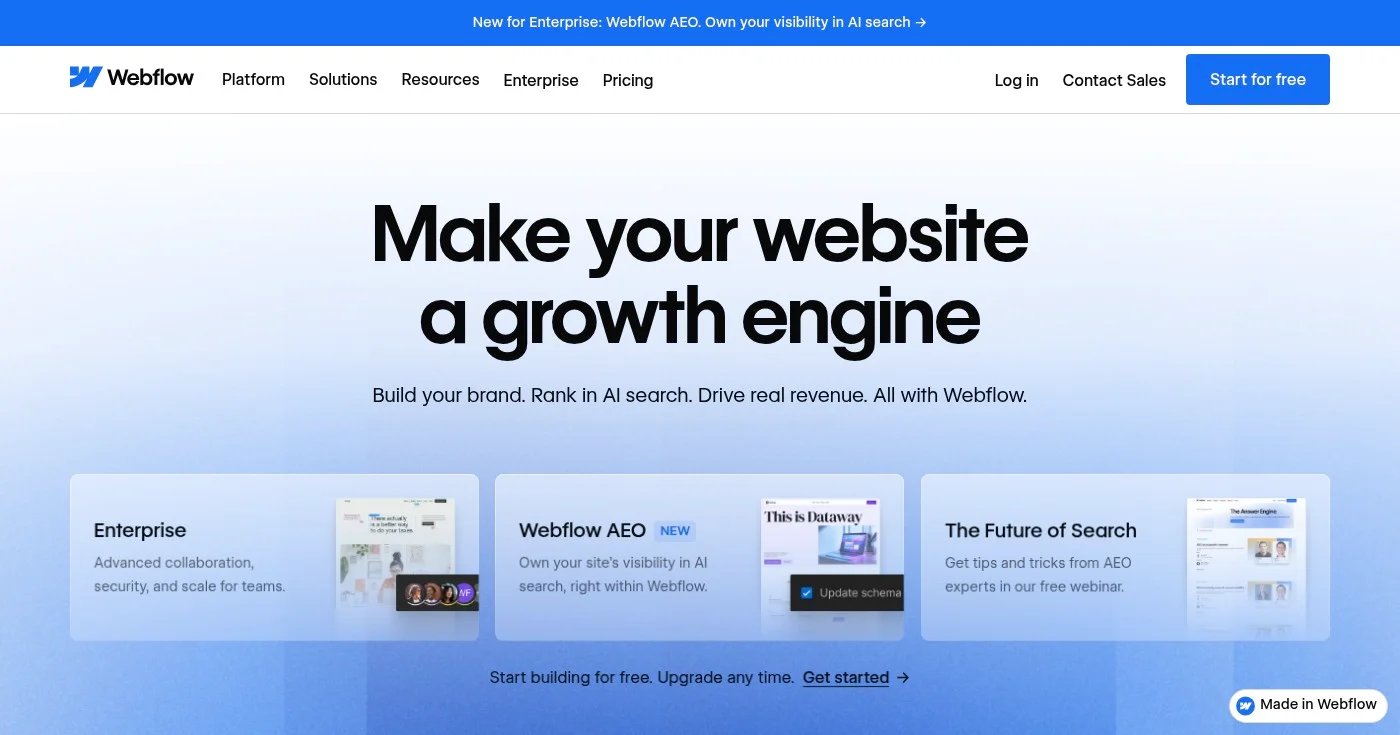
Webflow is the right tool when the marketing site becomes a system rather than a single page. CMS-backed proof sections, reusable components, full CSS/HTML control, and no-code animations let a designer own the entire marketing site without handing off to engineering for each revision. Code export prevents lock-in: your site runs on standard HTML/CSS, not a proprietary format.
The learning curve is real. Steve (Steve Builds Websites), who tested 20 builders side by side in 2026, was direct: "if you're brand new to Webflow, expect to spend weeks, maybe even months" learning it. That investment pays off when pages need to behave precisely across breakpoints and the team needs a reusable campaign library, not a one-off landing page.
Webflow has no native A/B testing: pair it with VWO or Optimizely if conversion experimentation matters. For PPC-specific landing pages where Smart Traffic and DTR are the priority, Unbounce or Leadpages are better fits. Webflow's domain is design-quality marketing sites where a developer or designer is already in the loop.
Webflow updated its plans in May 2026, consolidating the CMS and Business tiers:
See Webflow pricing.
Best for creator launches and motion-heavy pages
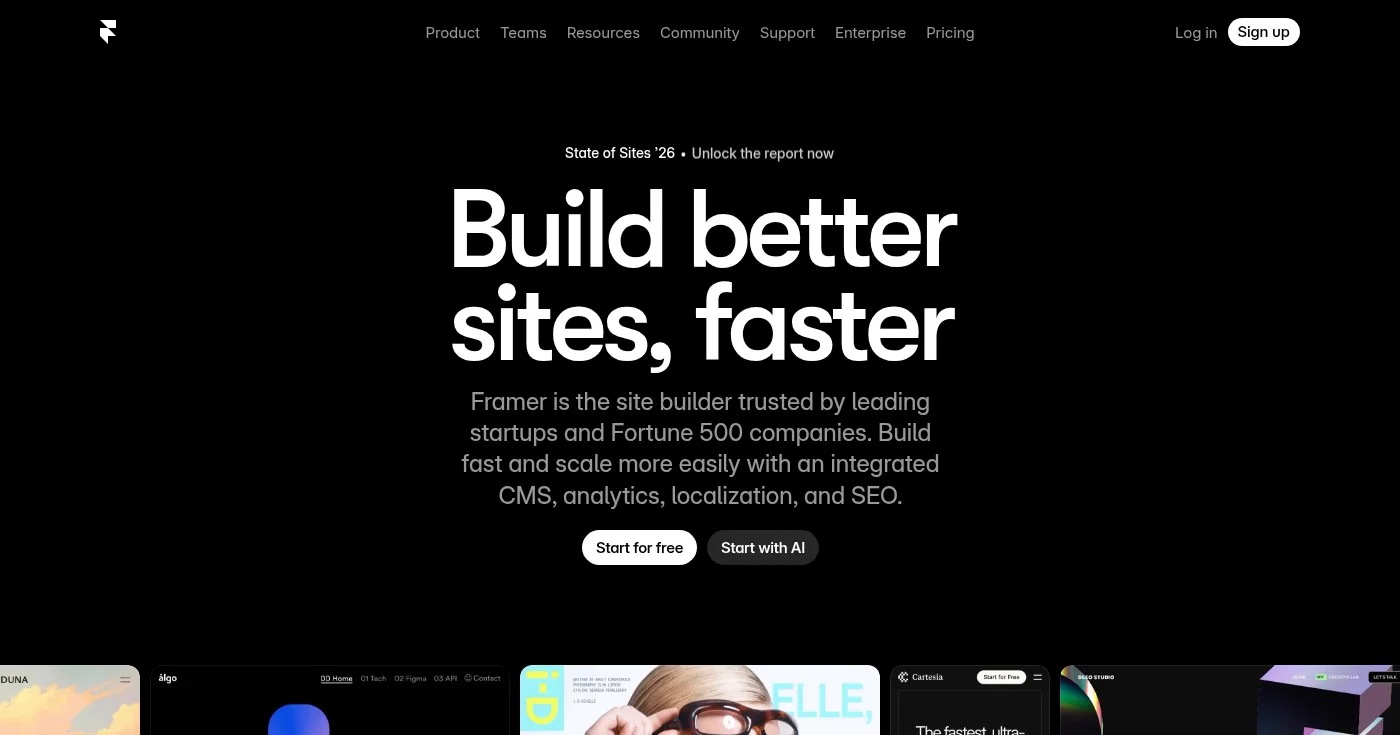
Framer is where designers build launch pages that look like they cost 10x more than they did: AI-assisted draft generation produces a styled, working page from a text description. The CMS is included on all paid plans. Motion (transitions, interactions, scroll animations) is a first-class feature, not a plugin.
The limits are specific: no A/B testing, no conversion features (no Smart Traffic, no DTR, no Leadmeter), no lead enrichment. Framer is a design-and-publish tool, not a conversion optimization tool. Use it for product launches, newsletter signup pages, and portfolio sites where visual distinctiveness drives decisions; skip it for high-volume paid search campaigns.
At $10/mo (Mini plan), it's the second-cheapest paid option in this list after Carrd. The free plan includes a Framer subdomain with full CMS access. Mini unlocks a custom domain and removes Framer branding.
Framer restructured its plans in 2025:
See Framer pricing.
Best for teams reusing content across multiple builders and domains
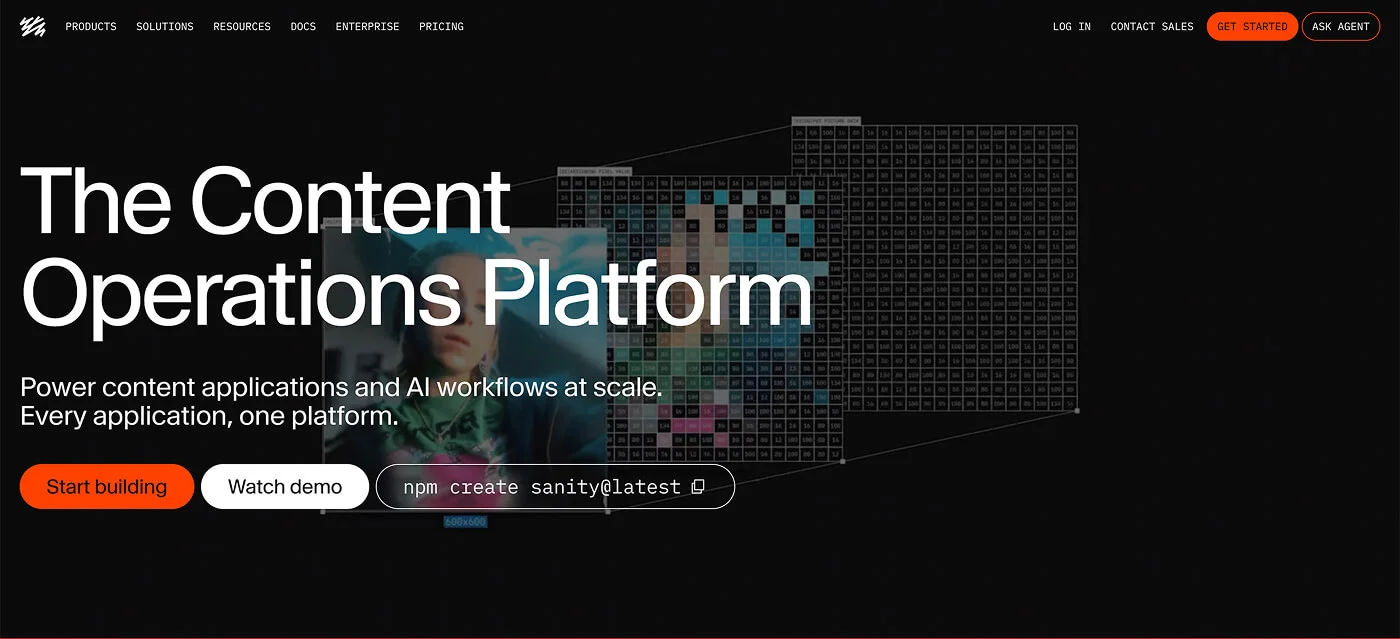
Sanity isn’t a landing page builder, and that’s the point. Builders handle presentation. They don’t solve what happens when the same headline, pricing block, or product fact needs to live across a dozen campaign pages, three regional domains, and a webinar funnel. At that point, the bottleneck moves from the builder to the content layer behind it.
Sanity, a Content Operating System, treats page copy as structured data in its Content Lake rather than text locked inside a template. Content models are defined in code, queried through GROQ or the API, and delivered to any front end, including pages built in Webflow, Framer, or a custom React stack. Edit a product claim once in Sanity Studio and it updates everywhere it’s referenced: no copy-paste across builders.
For teams weighing visitor caps and acquisition risk, the durability argument extends to content too. When the builder changes, the structured content moves with you. The trade-off is setup: someone has to define the content model in code before editors see any benefit.
Free plan available with no expiration; new projects get a free trial of Growth features. See Sanity pricing.
Best for creators who want email and landing pages bundled
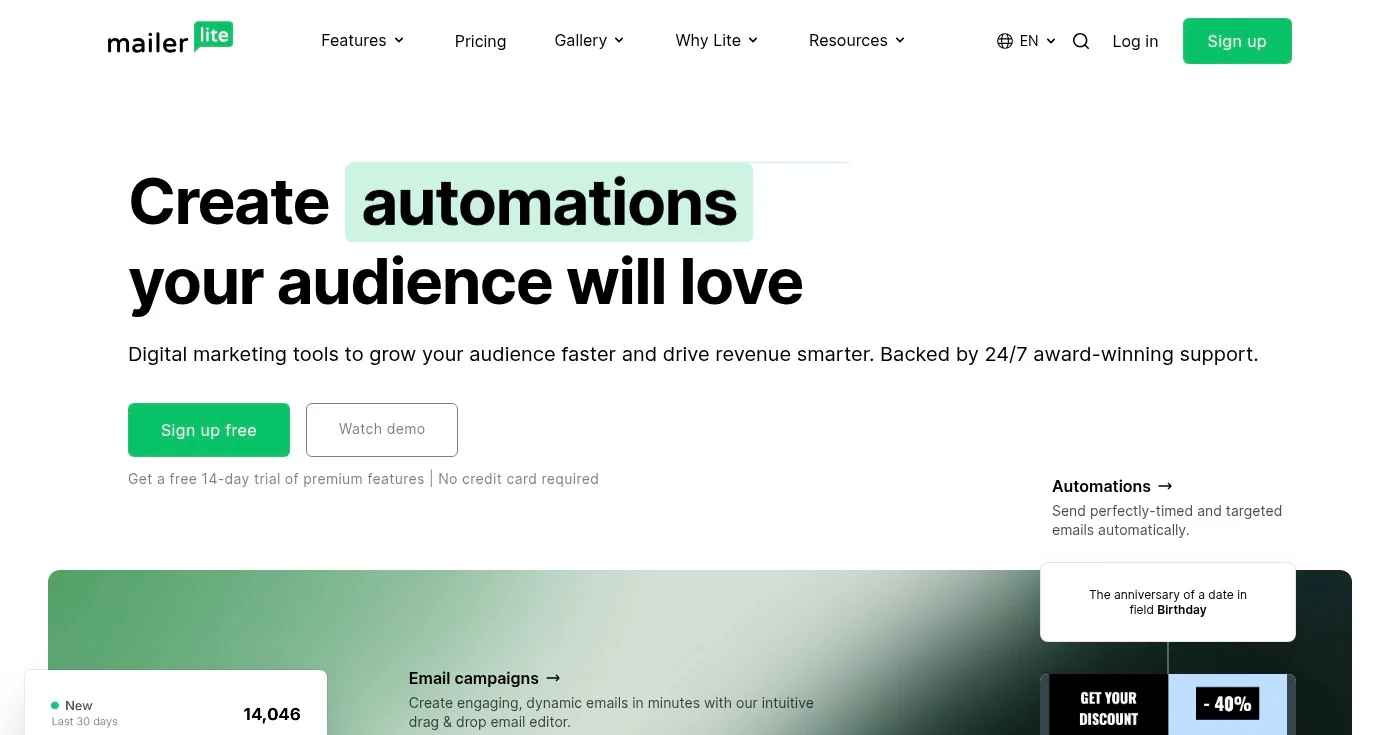
MailerLite is the cleanest answer to the two-platform problem: email marketing automation plus landing pages in one product, without the HubSpot price jump. The free plan supports up to 500 subscribers with unlimited landing pages and no trial expiration. Paid plans start at $9/mo and include A/B testing.
The landing page builder lacks conversion optimization depth compared to Unbounce or Leadpages, but it handles newsletter signup pages, product announcements, and lead capture without friction.
The real advantage is the automation loop: a form submission on a landing page triggers an email sequence without any Zapier intermediary or integration setup. For creators and solopreneurs building an email list alongside a product, that loop is worth more than advanced A/B testing they won't use at current traffic levels.
Traffic is unlimited on all MailerLite plans, same as Leadpages. For teams already paying for email marketing software, MailerLite's landing pages often eliminate a separate landing page builder subscription.
See MailerLite pricing.
Best for teams already using HubSpot CRM
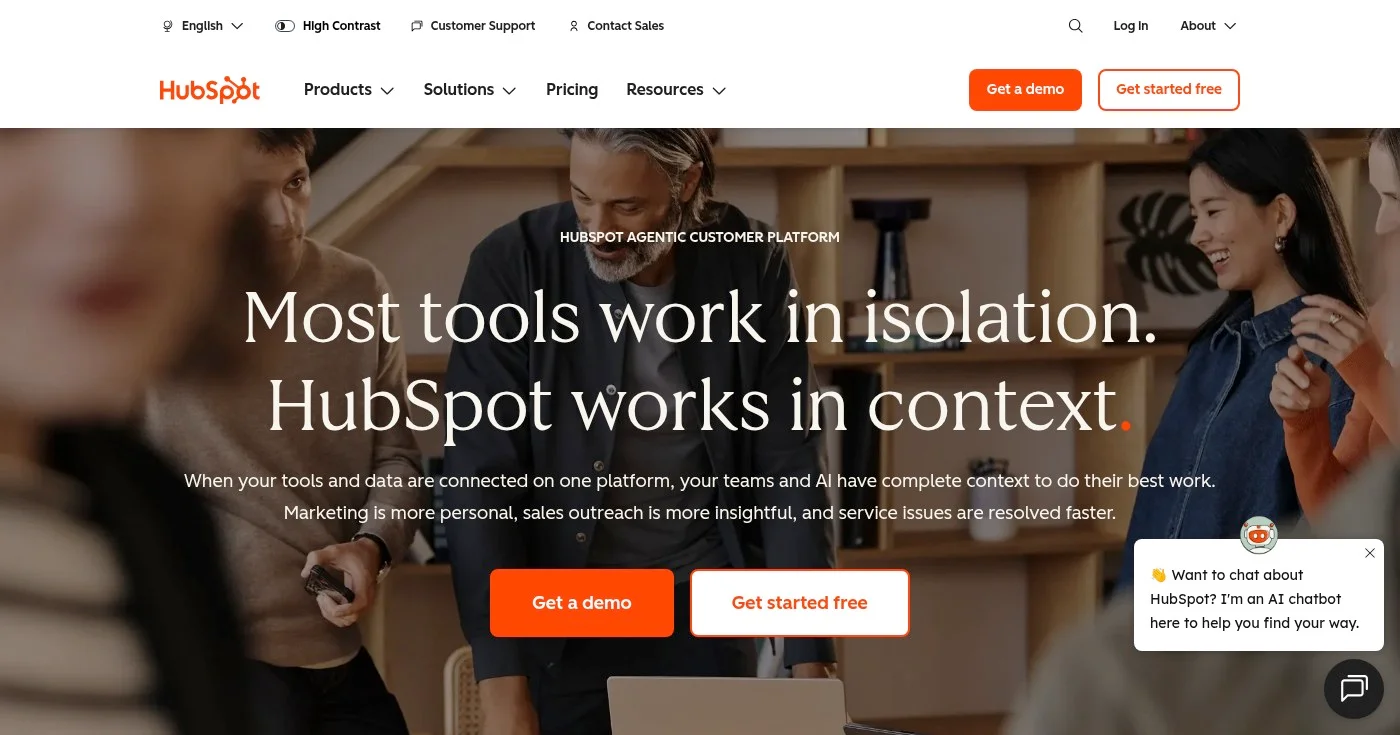
HubSpot includes landing pages in its free CRM tier; no credit card required, no trial expiration. If your team is already in HubSpot, adding landing pages costs nothing and delivers native CRM integration: form submissions log directly to contact records, lifecycle stage updates, and lead scoring rules fire automatically.
The caveat is sharp. A/B testing and smart content (personalization by visitor list, device, or lifecycle stage) require Marketing Hub Professional at $890/month, plus a mandatory $3,000 non-refundable onboarding fee. For teams outside the HubSpot ecosystem, that makes it one of the most expensive paths to A/B testing in this list; Leadpages or Swipe Pages get there for under $100/mo.
See HubSpot Marketing Hub pricing.
Best for sales funnels and digital product businesses
ClickFunnels is a full-funnel platform where the funnel IS the product: optin page to upsell to order bump to thank-you page, with built-in email automation, affiliate management, and payment processing. The whole platform is built around that sequence.
The tool fits a specific operator: course creators, info-product businesses, and coaching operations where the entire customer journey lives outside a main website. For a team with an existing website that needs a dedicated landing page, ClickFunnels is the wrong tool: you'd pay for funnel infrastructure you won't use. For a team whose revenue model IS the funnel (webinar to upsell to continuity program), ClickFunnels eliminates the need for four to five separate tools.
At $81/mo annual with a 14-day free trial, ClickFunnels costs more than every other tool in this list except HubSpot Professional. The 14-day trial is long enough to build and test a complete funnel sequence.
14-day free trial. See ClickFunnels pricing.
Best for WordPress-first teams
Elementor is the most widely used page builder for WordPress. The free plugin installs on millions of sites; paid plans start at $5/mo annual ($59/year). For teams already running on WordPress and WooCommerce, adding Elementor is the fastest path to a visual page editor without switching hosting or CMS infrastructure.
100+ widgets, AI features for layout and copy generation, and full WooCommerce integration make Elementor the strongest WordPress-native option in this list. The durability argument matters here too. u/Disastrous_Ear_2242 in r/nocode described the long-term calculus: "The ones that stayed in my stack are the ones that actually let you export your raw code if needed. Being locked into a proprietary ecosystem is a massive risk when these platforms change direction."
Elementor runs on standard WordPress infrastructure: the pages exist regardless of Elementor's future.
The hidden cost is WordPress itself: hosting adds $5–20/mo, and the full stack requires a WordPress setup a non-technical user may not already have. No native A/B testing is available: third-party plugins are required.
See Elementor pricing.
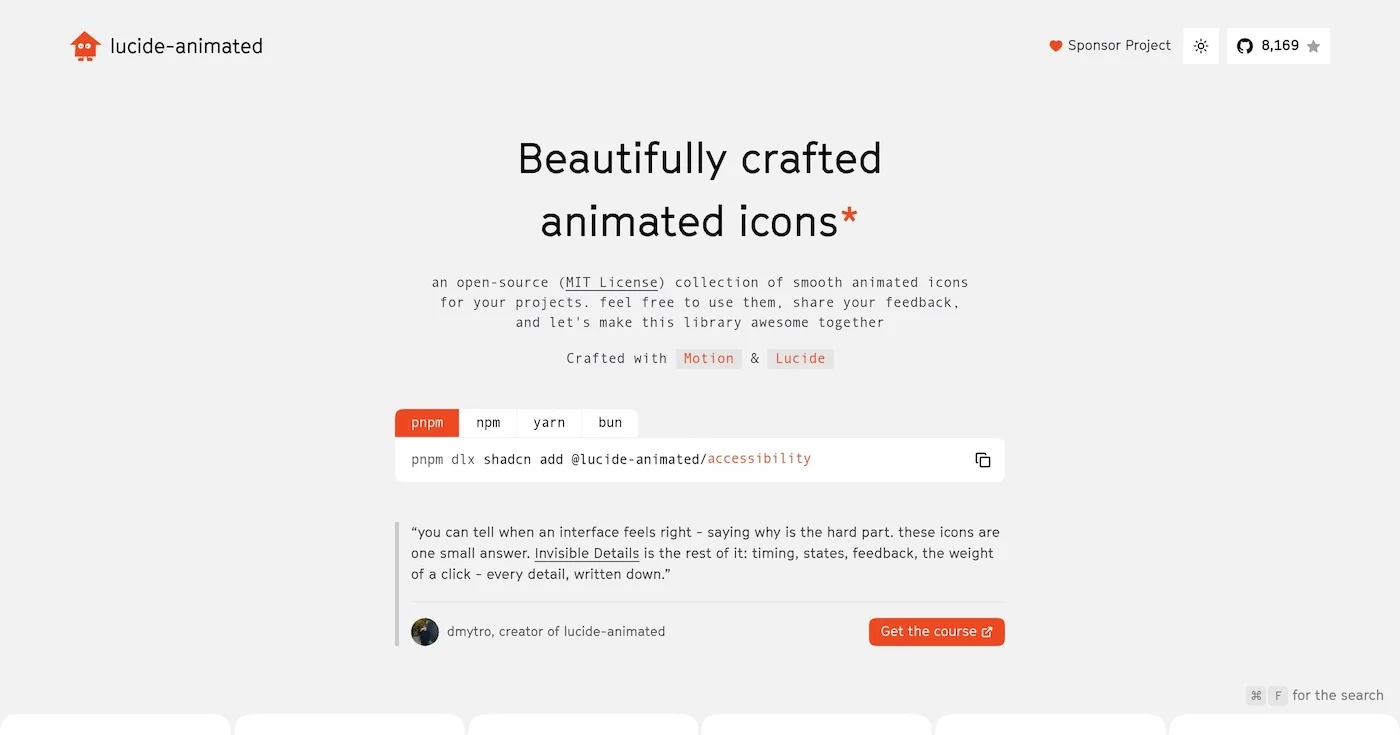
You can add motion to your interface for free with 10 open source animated icon libraries, led by lucide-animated at 8,170 GitHub stars and 350+ icons.

A Lottie animation is a JSON description of a vector timeline, usually exported from After Effects.

Vibe coding is prompting an LLM until the software runs, accepting every diff, and skipping the code. Andrej Karpathy coined the phrase in February 2025.

