Adobe XD Converters: Turn XD into SVG, AI, HTML/CSS, Figma, PDF
Discover 15+ Adobe XD converters that let you turn your design files into SVG, Illustrator, HTML/CSS, React, Figma, Sketch, Photoshop, PDF, and more.



Discover 15+ Adobe XD converters that let you turn your design files into SVG, Illustrator, HTML/CSS, React, Figma, Sketch, Photoshop, PDF, and more.
Before you abandon another XD file because your devs, marketers, or clients use a different format, take heart: you can convert almost anything.
Below you will find every practical route from Adobe XD to the formats teams ask for most, plus the plugins and web services that make the hand‑off painless.
Adobe already lets you export artboards or individual layers as SVG. Open the file menu, choose Export › Selected, and pick SVG to keep paths editable and resolution‑independent according to the Adobe XD export documentation.
Need cleaner markup?
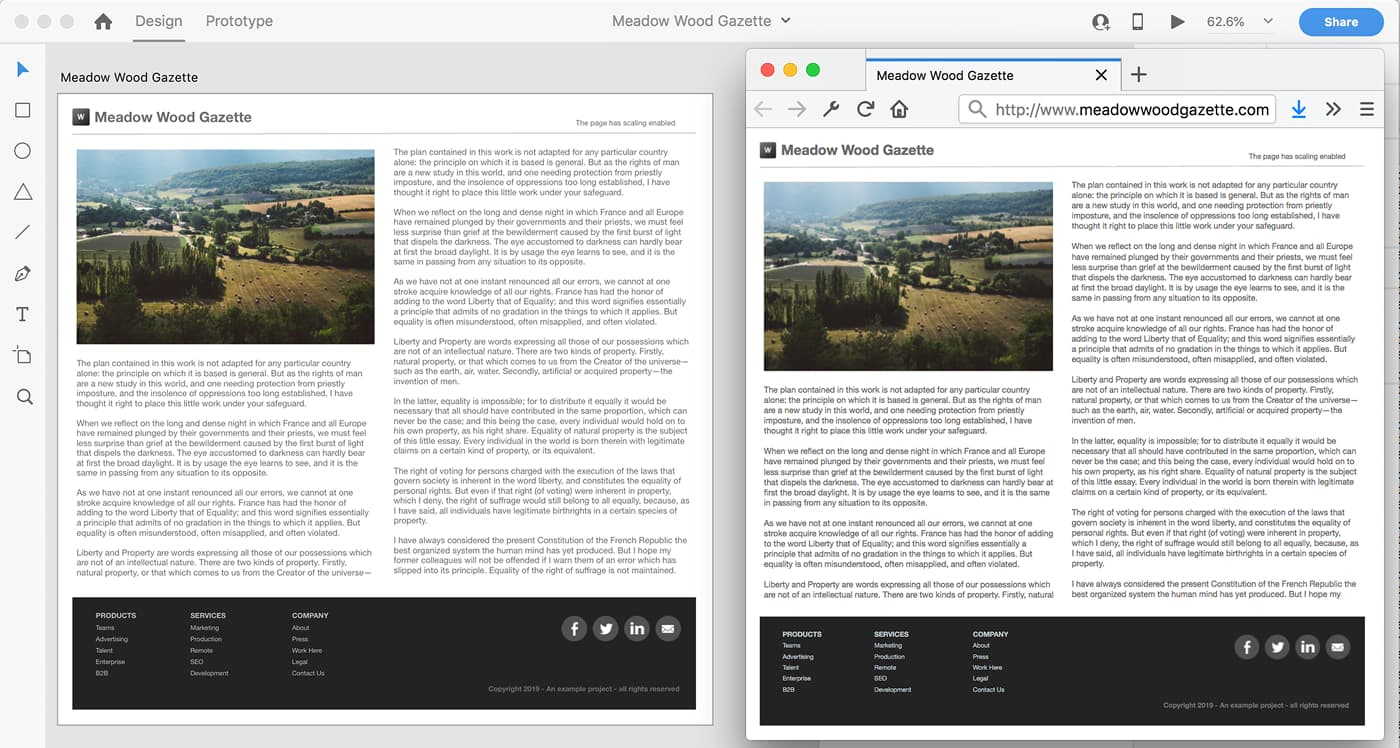
The open‑source Web Export plugin focuses on developer‑friendly SVG with optional presentation attributes for styling. If stakeholders still want Illustrator files, export SVG first and then open it in Illustrator where you can release every element to its own layer for easy editing.
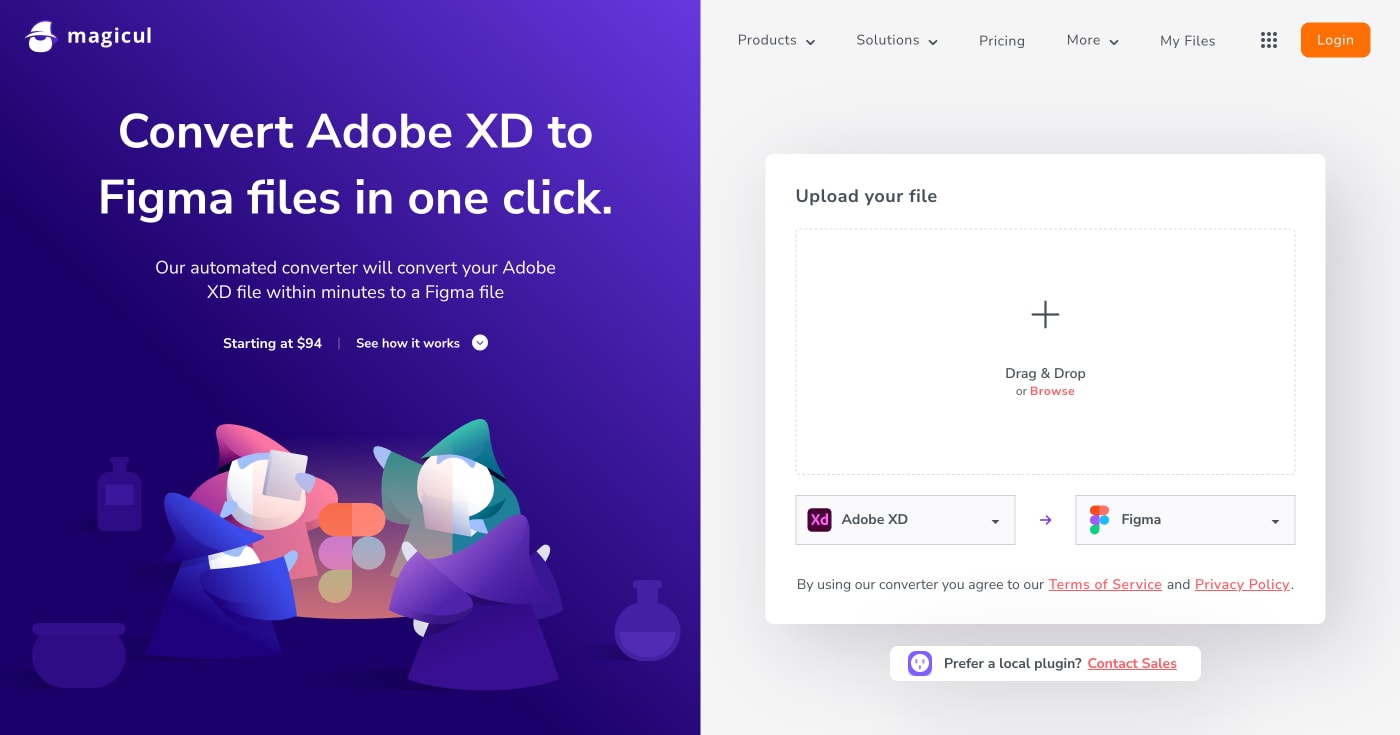
Illustrator cannot open .xd natively, but a two‑step path works: export SVG from XD, then import it into Illustrator as layered artwork. For clients who need a single‑click approach, the Magicul XD‑to‑AI converter processes entire files online (pricing starts at \$94 per file).
Install the free Anima for XD plugin and select an artboard. Anima publishes responsive code—including HTML, CSS, and React or Vue components—plus live preview links.
UX Pilot converts design images (including XD screenshots) into production‑ready HTML and CSS using AI, preserving layout integrity and generating responsive code that works across all devices.
Pro-tip: if your converter injects marketing copy, check the AI-generated markup before launch.
If you prefer open‑source, the Web Export plugin generates semantic HTML, SCSS, and JavaScript directly from XD without leaving the app.
So what? You cut front‑end build time and ship a pixel‑perfect prototype as real code instead of static screenshots.
Those routes let you hand engineers editable, framework‑specific components instead of red‑line PDFs.
Xd2Sketch claims near‑perfect layer fidelity and offers a money‑back guarantee if any element breaks.
Magicul’s XD‑to‑Sketch pipeline converts full files in minutes (same pricing model as its AI converter).
Avocode handled XD, Sketch, and PSD files until the service was sunset in October 2023. While you cannot sign up today, former users may still have archived exports.
Designers moving to Figma have two solid options:
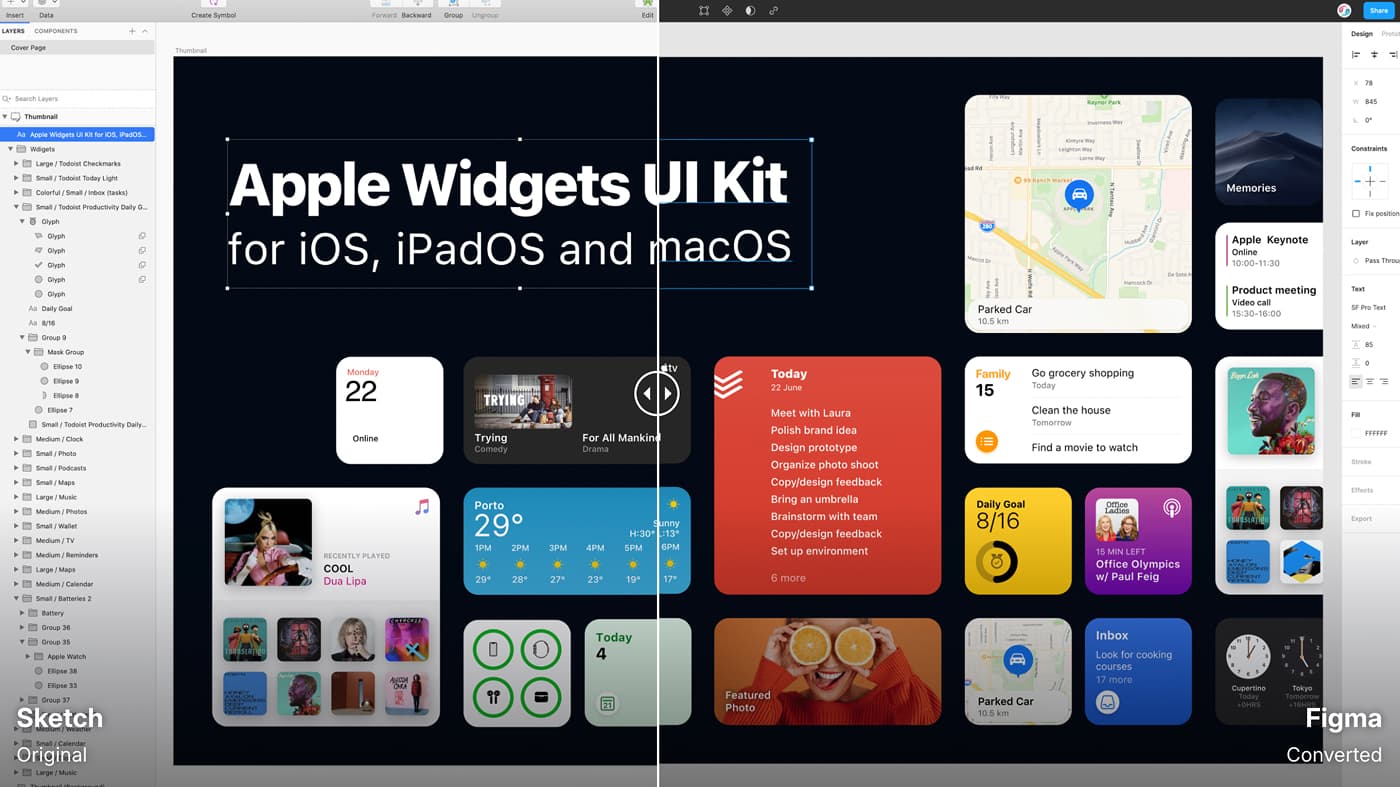
Convertify’s docs outline a 30‑day refund window if the import fails.
When marketing or retouching teams insist on PSD, open the XD file in Photopea. The free browser‑based editor accepts .xd, preserves layers, and exports fully editable PSD—no Creative Cloud install required.
Export a single artboard or an entire prototype via File › Export › PDF. Adobe details the process in its official guide which is perfect for slide decks, client sign‑off, or archival.
The same export dialog covers bitmap formats—ideal when you only need static assets for presentations, marketing collateral, or quick previews.
Target formatFastest methodStand‑out benefit
SVG
Native export
Clean vectors for developer hand‑off
AI
Magicul
Keeps layers and supports large files
HTML / CSS
Anima or UX Pilot
Responsive code plus live site
React / Vue
Anima
Framework‑ready components
Flutter
Adobe plugin
Generates Dart widgets
Sketch
Xd2Sketch
High‑fidelity with refund guarantee
Figma
Magicul or Convertify
One‑click import
PSD
Photopea
Free and browser‑based
Native export
Ideal for stakeholder reviews
You never need to rebuild designs by hand again. Pick one of the converters above, test with a small artboard, and share the output with your team.
The right plugin slashes hours of re‑drawing and lets you spend more time on actual UX improvements.
In 2026, AI generates interfaces instantly, but designers stick with Figma for control, precision, and judgment over what to keep and cut.
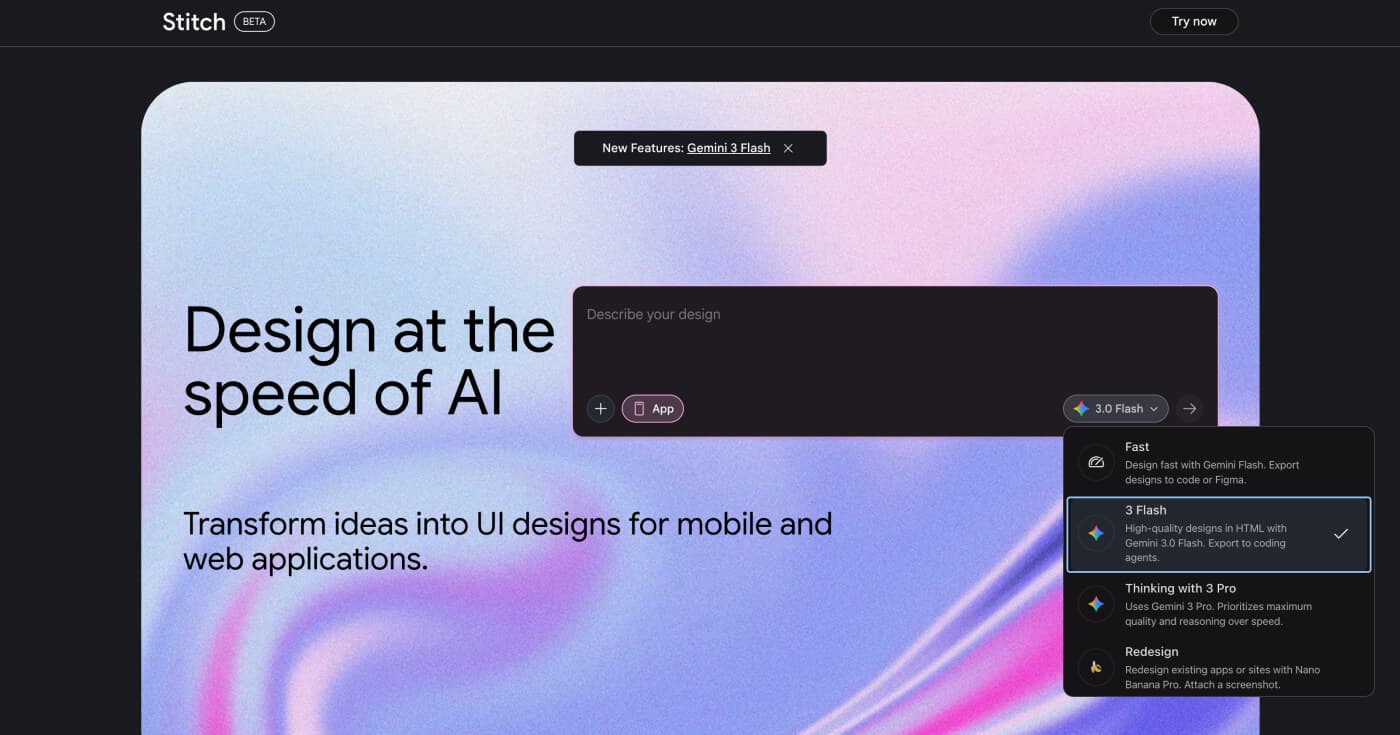
Learn what Google Stitch is, how this AI-powered UI design tool generates interfaces from text prompts, and whether it fits your design workflow.
Discover the top 10 best Figma AI plugins for designers in 2026. Compare features, pricing, and capabilities to enhance your design workflow.
